
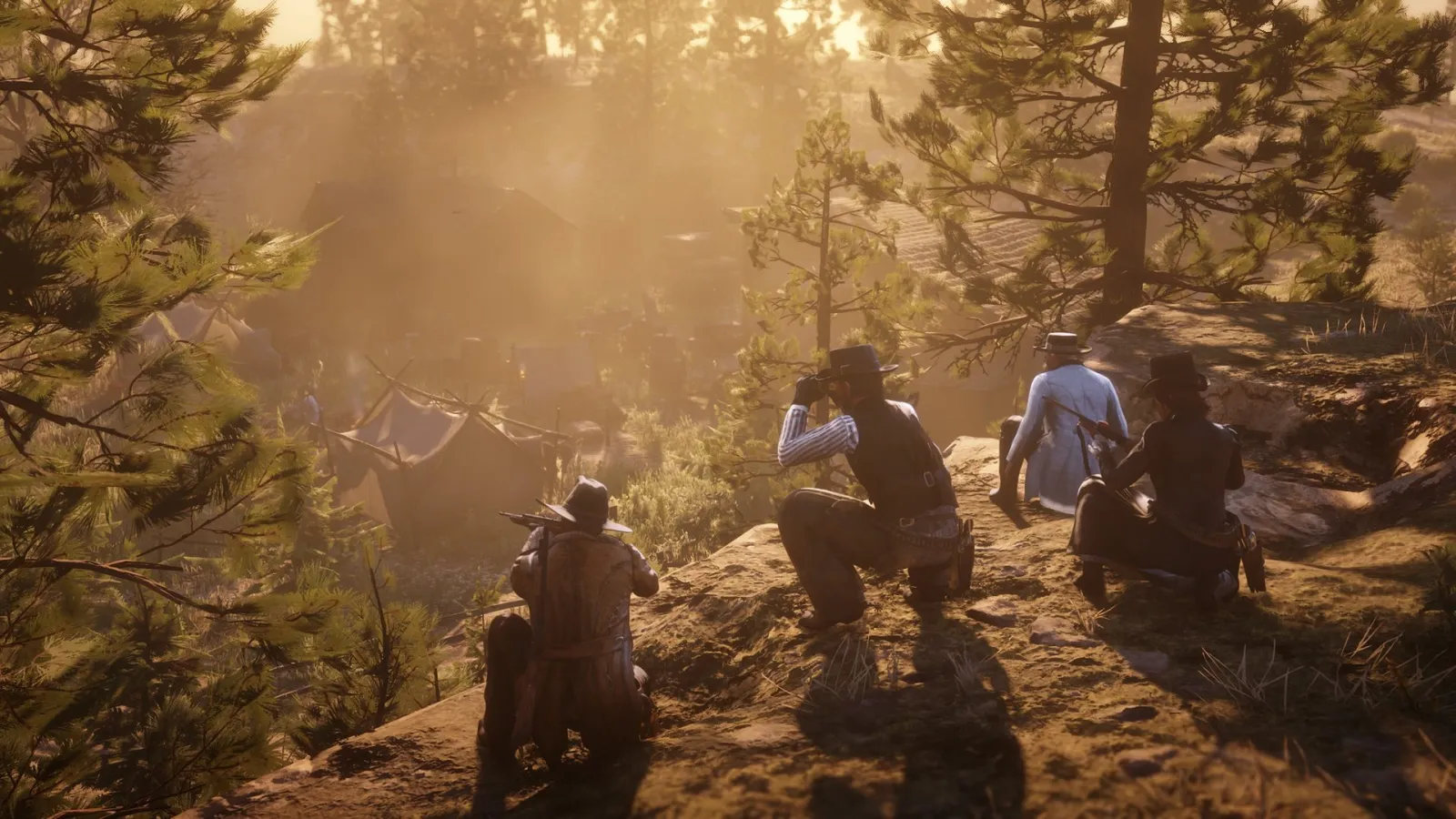
Red Dead Redemption 2 PC graphics settings as of November 2026: Vulkan vs DirectX 12 based on Wccftech, KitGuru and Shacknews tests, which options cost the most FPS, DLSS, FSR 2 and Reflex, a 60 fps preset and Xbox One X-equivalent settings from Digital Foundry.
Vulkan vs DirectX 12: what the tests say
RDR2 on PC can run on two graphics APIs, with Vulkan as the default. The choice does not affect the image: Shacknews states plainly that there is no visual difference. The only difference is the frame rate and how evenly the frames are delivered.
| Test | Hardware | Result |
|---|---|---|
| Wccftech, November 2019 | RX 5700 XT and RTX 2060 SUPER, 1080p | Vulkan slightly faster: 93 vs 89 fps on Radeon and 82 vs 79 fps on GeForce; 99th percentile almost equal |
| KitGuru, November 2019 | RTX 2070 SUPER and RX 5700 XT, High settings | Vulkan gives up to 6% higher average FPS, but DirectX 12 had 16-58% better 1% lows and less stutter on both cards |
| Shacknews | roundup of tests and player feedback | Vulkan's lead in average FPS is under 5%; DirectX 12 is more stable, especially on NVIDIA |
All three tests were done in the first weeks after launch. Update 1.14.1 from November 25, 2019 specifically fixed Vulkan instability, so the gap may have narrowed since then.
Rule of thumb. Start with Vulkan. If you see short hitches when turning the camera or in towns, switch to DirectX 12 and compare both with the built-in benchmark in the graphics menu. The switch is in the advanced settings: Settings - Graphics - Advanced Settings: Unlocked - Graphics API. The new API takes effect after restarting the game.
What eats the most FPS
Quality Preset Level adjusts everything at once, but a few options matter far more than the rest. The numbers below come from two independent breakdowns: Shacknews gave percentages, Game Rant gave approximate frame gains. Neither names its test hardware, so treat this as a guide, not an exact measure for your PC.
| Setting | Shacknews | Game Rant | What to set |
|---|---|---|---|
| MSAA | makes FPS drop sharply, especially at high resolutions | turning it off gives 20+ fps | Off; use TAA or DLSS for anti-aliasing |
| Water Physics Quality | Medium vs Ultra is almost a 40% difference, the most expensive option in the game | lowering it gives 10-15 fps | middle of the slider |
| Reflection Quality | Ultra lowers FPS a lot | Medium gives 6-8 fps | Medium |
| Near Volumetric Resolution | High and Ultra hit performance very hard | Medium gives 5-7 fps | Medium; Far Volumetric Resolution can stay on High |
| Tree Tessellation | turning it on costs 3-5% | turning it off gives 10-12 fps | Off, the visual difference is minimal |
| Grass Level of Detail | the far-right position is a big hit | the third notch gives 3-4 fps over max | middle |
Two more options appear in only one of the breakdowns, so take them with more caution. According to Shacknews, Lighting Quality on Medium instead of High or Ultra gives 25-40%, but turns off some of the dynamic lights at night. Shacknews also recommends turning off Full Resolution SSAO: it costs FPS without a noticeable gain.
Textures and VRAM
Textures are the most visible image upgrade, and they cost almost no FPS as long as you have enough memory. Shacknews recommends Ultra for cards with 6 GB or more and High or Medium for 4 GB. Wccftech also advised giving VRAM to textures first.
RDR2 will not let you exceed your VRAM: in the Wccftech test on a Radeon RX 570, the Ultra preset at 1080p simply would not turn on. So if an option will not enable, the cause is the amount of memory, not a bug in the game. Minimum and recommended hardware is on the RDR2 system requirements page.
DLSS, FSR 2, Resolution Scale and Reflex
- NVIDIA DLSS arrived in the update of July 13, 2021. According to NVIDIA, it gives up to 45% at 4K: at max settings the RTX 3060 Ti and newer hold over 60 fps at 1440p, and the RTX 3070 and newer at 4K. DLSS replaces TAA, MSAA and Resolution Scale, so those options become inactive.
- AMD FSR 2 was added in update 1.31 on September 6, 2022. It works on any graphics card, including older GeForce GTX models. Game Rant estimates a gain of 10-15 fps; the image is softer than with DLSS.
- Resolution Scale renders the frame at a different resolution and stretches it to native. At 1080p a value of 0.5 means 720p. We recommend keeping it at 1.0 and reducing the load through DLSS or FSR 2 instead: they preserve more detail.
- TAA Sharpening restores the sharpness that TAA slightly blurs. Shacknews recommends TAA High at 1440p and above, with FXAA and MSAA off.
- NVIDIA Reflex came together with FSR 2 in update 1.31 and reduces input latency on GeForce. It does not add FPS.
A 60 fps preset for a mid-range PC
A starting point built from Shacknews and Game Rant advice. Start here, then raise whatever you notice most.
| Setting | Value |
|---|---|
| Texture Quality | Ultra (6 GB VRAM or more), otherwise High |
| Anisotropic Filtering | 16x; 8x or 4x give only 1-2% |
| Lighting Quality | Medium or High |
| Global Illumination, SSAO, Particle Quality, Tessellation, Decal Quality, Parallax Occlusion | Ultra |
| Shadow Quality / Far Shadow Quality | High / High |
| Reflection Quality | Medium |
| Water Quality / Water Physics Quality | Medium / middle of the slider |
| Volumetrics Quality | Medium |
| Near / Far Volumetric Resolution | Medium / High |
| Soft Shadows / Grass Shadows | Medium / Low or Medium |
| Grass Level of Detail | middle |
| Tree Quality / Tree Tessellation | Medium or High / Off |
| Full Resolution SSAO, Reflection MSAA, MSAA, FXAA | Off |
| Anti-aliasing | DLSS Quality on RTX, FSR 2 Quality on other cards, or TAA High |
On strong systems, the first things worth raising are Far Shadow Quality and Lighting Quality. Leave water and MSAA for last: they give the least image quality for every frame you lose.
Xbox One X-equivalent settings by Digital Foundry
In its PC version breakdown, Digital Foundry matched settings to the Xbox One X. The findings, as retold by Shacknews and Attack of the Fanboy: most console options match the lowest PC values, and some are even below the minimum, while textures are on Ultra. At these settings the Radeon RX 580 and GeForce GTX 1060 hold 60 fps at 1080p, and RX 580 performance doubled according to the same breakdown.
The takeaway is simple: if the game struggles on an older card, feel free to drop the heavy options to Low and keep textures high. The image will match the best console version. For a general PC vs console comparison, see the RDR2 on PC page.
If the game crashes or stutters despite the settings
Crashes are rarely tied to graphics options. First update your driver, verify the game files and try the other API. We put together a step-by-step guide on the RDR2 on PC page, in the crashes section. If the slowdown is constant and FPS is always low, compare your card with the recommended GTX 1060 6 GB on the system requirements page.
RDR2 settings FAQ
Which is better for RDR2: Vulkan or DirectX 12?
In tests Vulkan is a few percent faster in average FPS, while DirectX 12 gives less stutter in some of them. Start with Vulkan, and if the game hitches, switch to DX12 and compare with the benchmark.
Which RDR2 settings lower FPS the most?
MSAA, Water Physics Quality, Lighting Quality, Reflection Quality, Near Volumetric Resolution and Tree Tessellation. Lower these first.
Should I turn on DLSS in RDR2?
On RTX cards, yes: according to NVIDIA, DLSS gives up to 45% at 4K. It replaces TAA and MSAA. Other cards have FSR 2.
How do I switch from Vulkan to DirectX 12 in RDR2?
Settings - Graphics - Advanced Settings: Unlocked, then the Graphics API option. The new API takes effect after restarting the game.
What are the best RDR2 settings for a low-end PC?
Heavy options on Low, textures on High or Ultra if you have enough memory, MSAA off, FSR 2 in Quality or Balanced mode. That is roughly how the Xbox One X is set up.
Sources
- Official: Rockstar Games, Rockstar Newswire, Rockstar Support, Take-Two Interactive
- Databases and guides: Red Dead Wiki, RDR2.org, GTABase, PowerPyx
- Press: GamesRadar, PC Gamer, IGN, VGC, Game Informer
Every fact is checked against official sources or at least two independent ones; player-sourced data is labelled in the text. Images are official Rockstar Games material. GTA Top is not affiliated with Rockstar Games or Take-Two Interactive.