
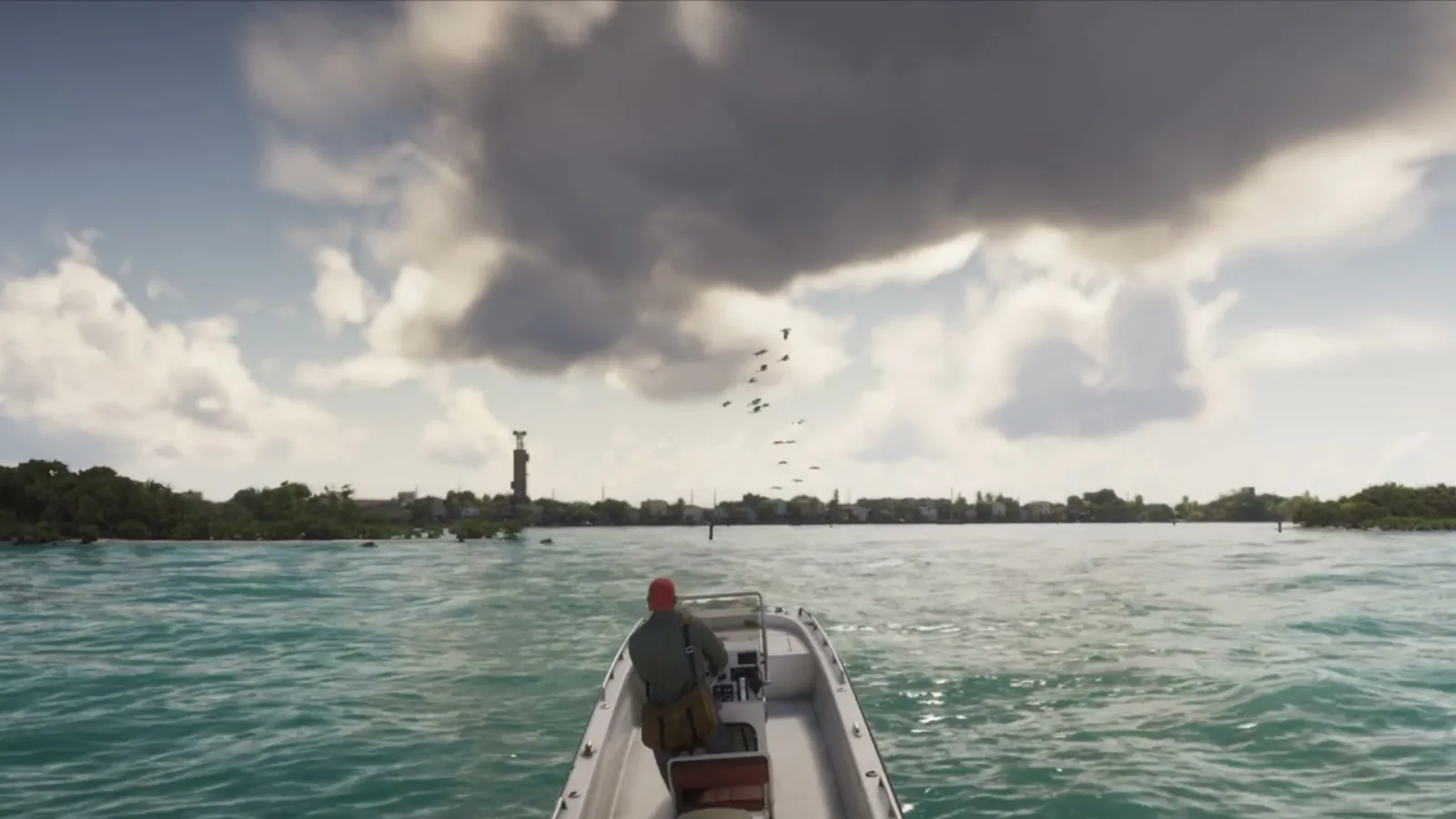
Does GTA 6 have a photo mode: how to open Photo Studio on PS5 and Xbox, every camera, lighting and filter setting, phone selfies, where your shots are saved, Snapmatic, tips for great shots and what the mode can't do.
Contents
- Does GTA 6 have a photo mode: the short answer
- How to open photo mode on PS5 and Xbox
- What Photo Studio can do: camera, lighting, filters
- Phone camera and selfies: poses, expressions, filters
- Where photos are saved and how to share them
- How to take a great shot in GTA 6
- What to know to avoid mistakes
- What's still unknown and what to expect from patches
- FAQ
- Sources
Does GTA 6 have a photo mode: the short answer
It does, and a full one. Before launch there was plenty of guessing about whether Rockstar would finally add a dedicated photo mode, since in GTA 5 you could only take pictures with the phone camera in Snapmatic. GTA 6 settled it on November 19: the pause menu has a Photo Studio option. Insider Gaming, Beebom, games.gg, Gfinity and TechRadar have all covered it, and players already call the mode a "cinematography simulator" - cinematographer Patrick Tomasso coined the term, and TechRadar ran a separate piece about it.
In fact there are three ways to capture Leonida, and they don't replace each other:
| Method | How to open | Best for | Limits |
|---|---|---|---|
| Photo Studio | pause (Options / Menu) → Photo Studio | landscapes, lighting, cinematic shots | no poses or expressions, no weather or time of day |
| Phone camera | D-pad up → Camera app | selfies, Jason and Lucia posing | no lights, can't hide the character |
| Console screenshot | Create on PS5, Share on Xbox | sharing a shot quickly | captures everything on screen, HUD included |
The fourth app people often ask about is Snapmatic. It's on the phone, but it's a feed of other people's photos, not a camera: Jason and Lucia can't post their own shots (Insider Gaming, games.gg, Beebom). For the other apps, see the phone in GTA 6.
How to open photo mode on PS5 and Xbox
- Play the start of the prologue until you control Lucia. From then on Photo Studio is always available, no missions needed to unlock it (Beebom, Ofzen and Computing, Critical Hits).
- Pause the game: Options on PS5, Menu on Xbox Series X|S. It's the same pause button as in our GTA 6 controls table.
- Select Photo Studio in the pause menu or just press Square on PS5 or X on Xbox - a shortcut described by Insider Gaming, games.gg, TechRadar, Gfinity and Ofzen and Computing.
- Frame the shot: you can move the camera freely around the character and the scene, then use the settings from the table below.
- Save the shot with Save Photo (Beebom, Ofzen and Computing). According to a single source (Insider Gaming), you need to hold the confirm button to save, not just press it.
Photo Studio also opens during cutscenes, but some settings are greyed out there with the label Currently Unavailable (Insider Gaming, games.gg, Beebom). Other situations where the mode gets blocked - chases, shootouts or specific missions - guides don't cover yet. If the option is inactive, try leaving combat or wait for the scene to end.
What Photo Studio can do: camera, lighting, filters
The mode is split into several tabs. Only the Brazilian guide from Critical Hits lists every option by name, so the exact names below follow it (single source). The features themselves, noted in the right column, are confirmed by other sources too.
| Group | What you can change | Also confirmed by |
|---|---|---|
| Camera and focus | camera speed, grid, tilt (Roll), aspect ratio (Aspect Ratio, 8 options), field of view (Field of View, up to 48.5°), depth of field, aperture (Aperture), focus distance, focus guide, show or hide the character | FOV up to 48.5° - KeenGamer; aspect ratio and aperture - games.gg, TechRadar; depth of field - Insider Gaming, Beebom; hiding the character - Beebom, Ofzen and Computing |
| Effects and lighting | exposure, contrast, highlights, shadows, saturation, sharpness, grain, temperature, tint, gamma, lens flares, glow (Bloom), chromatic aberration, up to 5 light sources | exposure - TechRadar, Gfinity; grain - TechRadar; contrast and saturation - Gfinity; 5 light sources - Beebom, Ofzen and Computing |
| Overlays | in-game screen effects (turn on or remove, for example, the low health indicator), 17 filters, vignette, color isolation | 17 filters - TechRadar; vignette - Insider Gaming, games.gg, TechRadar; in-game effects - Gfinity |
Lighting is the mode's headline feature. You can move each source and change its size, color, brightness and beam angle (TechRadar, Insider Gaming, games.gg). Guides describe the available lamp types differently: games.gg mentions spotlights and softboxes, Gfinity mentions reflectors, stage lights and ring lights. There's no exact official list, so go by what you see in the menu.
Field of view. The FOV slider here only affects the photo, not gameplay, and it maxes out at 48.5 degrees (KeenGamer, Critical Hits). Regular gameplay has no separate FOV setting - more on the first-person view page.
Vehicles. According to a single source (TechRadar), photo mode lets you turn on the headlights and turn signals of a car parked in the shot.
What Photo Studio can't do: change the weather and time of day (Insider Gaming, games.gg, Beebom, Ofzen and Computing), or reposition the characters and give them a pose or facial expression (games.gg, Ofzen and Computing; TechRadar cites IGN). The camera moves around Jason and Lucia, but they stay in whatever pose they were in when you hit pause.
Phone camera and selfies: poses, expressions, filters
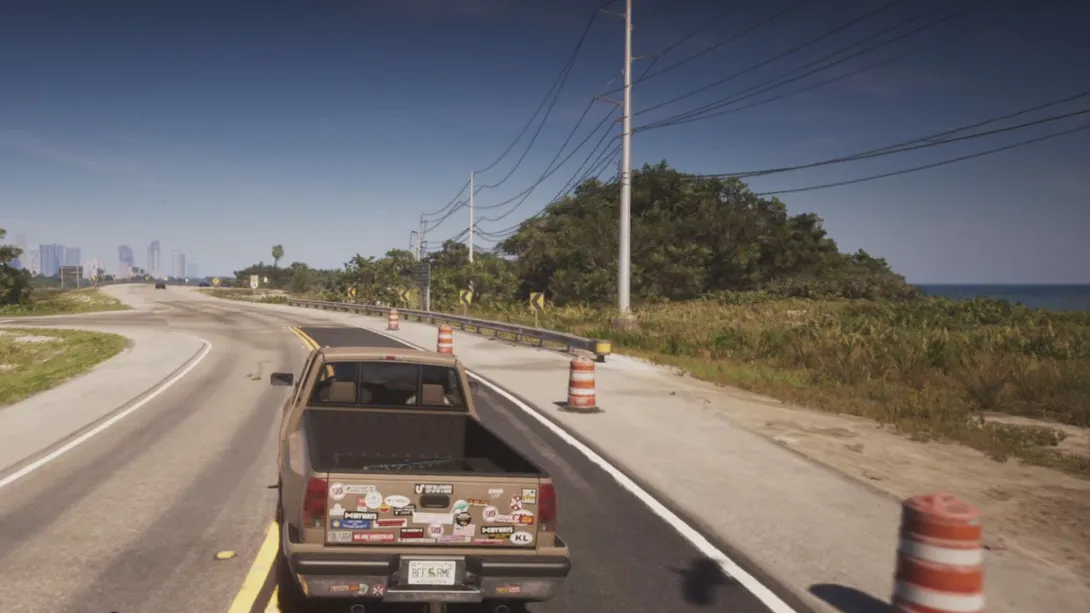
If you want people in the shot rather than scenery, grab the phone. Its camera unlocks a little later than Photo Studio - once the prologue story hands you Jason (Beebom, Ofzen and Computing, Critical Hits).
- Press D-pad up to take out the phone.
- Open the Camera app - the third icon in the first row (Beebom, Ofzen and Computing, Critical Hits).
- Switch to the front camera for a selfie or keep the main one.
- Pick a pose and an expression, frame the shot and press Take Photo.
Guides disagree on exactly which buttons switch cameras and take the picture, so check the prompts at the bottom of the screen.
| Camera | What it has |
|---|---|
| Front (selfie) | 6 poses and 7 facial expressions for Jason; your partner's pose if you're in the shot together |
| Main | zoom up to 5x, 3×3 grid, up to 17 filters |
| Both | flash (Light), jump to Gallery |
The numbers for poses, expressions, zoom and filters match across Beebom, Ofzen and Computing and Critical Hits. The sources don't say how many poses Lucia has: the list is confirmed only for Jason. The phone has no lights and no option to hide the character, and you can't change the time of day here either.
Keep in mind that using the phone while driving makes the car harder to handle, so take shots "on the go" as a passenger or when stopped.
Where photos are saved and how to share them
This is where sources disagree, and we're saying so upfront.
- Phone photos go to the Gallery app on the character's phone (Beebom, Ofzen and Computing, Critical Hits).
- Photo Studio shots, according to Insider Gaming, don't go to the phone but to the console's own gallery. Ofzen and Computing, on the other hand, says Save Photo puts them in the same phone Gallery. It's easy to check: save one shot and look in both places.
Where to find them on the console. On PS5 - Media Gallery (icon on the home screen or in your game library). On Xbox - My Games & Apps → Apps → Captures. The Xbox path comes from Insider Gaming, and the PS5 one is standard for every game.
How to share. You can't post a shot to Snapmatic: the app only lets you scroll other people's posts, like them, read comments and set a map marker for where a photo was taken (Insider Gaming, games.gg, Beebom). So there's one working route - through the console:
- In Photo Studio, hide the interface (the prompt is on screen) and the character if needed.
- Take a screenshot: the Create button on PS5 or Share on Xbox (Beebom, Ofzen and Computing).
- Open the shot in the console gallery and send it to a friend, a group or your phone via the PlayStation or Xbox app.
On PS5, pressing Create opens the create menu by default, and you take the screenshot from there; in the console settings (Captures and Broadcasts) you can change it so a single press takes the shot, and pick the file format. On Xbox, a short press of Share takes a screenshot, holding it records video. If you're capturing video for a stream or YouTube, check the page on how to mute licensed music.
How to take a great shot in GTA 6
- Catch the light, don't build it. You can't change the time of day in Photo Studio, so for a sunset shot you need to get there on time. Ofzen and Computing recommends hunting for golden hour specifically. Weather in Leonida is local - a downpour can hit one district while the sun is out next door, so sometimes driving a few blocks is enough. How it works is covered on the GTA 6 weather page.
- Two or three light sources are plenty. Five lamps at once often give a flat image. One key light from the side and a weaker fill from the other side is the classic setup (tip from Ofzen and Computing).
- Landscapes - without the character. For scenery, hide Jason or Lucia and turn on the grid to keep the horizon level.
- Portraits - from the phone. Only the selfie camera gives you a pose and an emotion, so shoot "about a person" with the phone and "about a place" in Photo Studio.
- Aspect ratio first. A wide shot that looks great at 16:9 can lose its main subject in vertical format. If you're shooting for stories or Shorts, set the aspect ratio before you compose.
- Don't overdo the filter. Take the same shot with and without a filter, then compare - the clean version often looks better.
- Hide the clutter. In-game screen effects (for example, red edges at low health) can be turned off in Photo Studio. Outside photo mode, the HUD layout is set in Settings → UI - details on the best GTA 6 settings page.
Where to go for shots. Neon and palm trees - Ocean Beach in Vice City, especially in the evening. Wide beaches - Vice Beach. Turquoise water and stilt houses - Leonida Keys, mountains and forest - Mount Kalaga National Park. Other spots are on the GTA 6 map. And official Rockstar shots for inspiration are collected in the GTA 6 screenshots gallery.
What to know to avoid mistakes
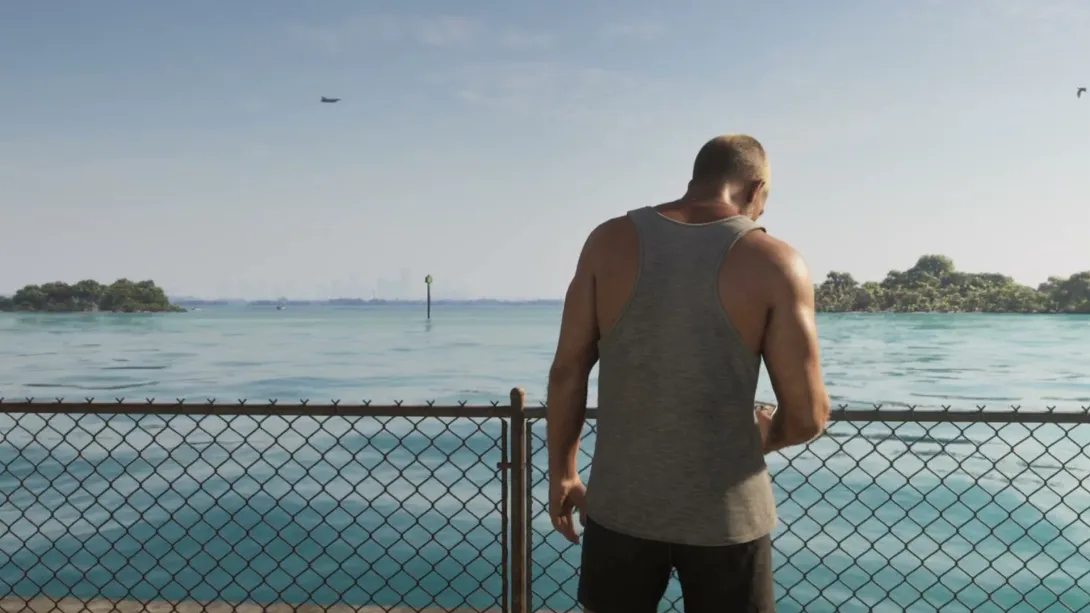
- The touchpad is the map, not the camera. Photo Studio opens from the pause menu, not with a separate button during gameplay.
- Don't look for poses in Photo Studio. There aren't any; if you need a pose, set it in the phone's selfie camera.
- You can't post a shot to Snapmatic. It's not a bug: as relayed by Insider Gaming, Rockstar has indicated that Jason and Lucia are passive on social media, so the game doesn't let you post.
- Cheat filters are a separate story. Visual filters among the cheats unlock only after the story, and any cheat disables trophies until you quit the game. Details on the GTA 6 cheats page.
- There's no video editor. Rockstar Editor, which GTA 5 had, isn't mentioned in any guides since GTA 6 launched, and Rockstar hasn't announced it. Record clips with the console's tools.
What's still unknown and what to expect from patches
There's no official description of Photo Studio on Rockstar's site or in its support pages, so everything above comes from guides and the first weeks of play. Open questions:
- Where exactly Photo Studio shots are saved - on the phone or only in the console gallery: sources contradict each other.
- Whether the mode is blocked in missions and combat - only cutscenes are covered.
- How many poses and expressions Lucia has in the selfie camera.
- Whether weather, time of day and poses will come to Photo Studio. TechRadar says some players are already asking for a photo mode update, but Rockstar hasn't promised anything.
- Whether there will be a video editor. In GTA 5, Rockstar Editor didn't arrive at launch but with the 2015 PC version. No PC version of GTA 6 has been announced - we're tracking it on the GTA 6 on PC page.
We don't list "secret settings" from unofficial sources or camera mods. If Rockstar updates Photo Studio, this page will be the first to change.
FAQ
Does GTA 6 have a photo mode?
Yes. It's called Photo Studio and is available from the pause menu from the moment you control Lucia in the prologue. There's also a separate phone camera for selfies.
How do I open photo mode in GTA 6 on PS5?
Press Options and select Photo Studio, or press Square right away in the pause menu. On Xbox - Menu, then X.
Can you change the weather and time of day in photo mode?
No. Photo Studio doesn't change the weather or time of day, so you have to catch a sunset or rain in the game itself.
How do I take a selfie in GTA 6?
D-pad up, the Camera app, front camera, then a pose and an expression and Take Photo. Jason has 6 poses and 7 expressions, and if your partner is nearby, you can pick their pose too.
Where are GTA 6 photo mode pictures saved?
Phone photos go to the Gallery app. For Photo Studio shots, guides disagree: Insider Gaming says the console gallery, Ofzen and Computing says the phone's Gallery. Screenshots taken with Create or Share are always in the console gallery.
Can you post photos to Snapmatic in GTA 6?
No. Snapmatic only lets you scroll and like other people's posts and set map markers. You share your own shots through the console.
Read next
All guides →
Popular on GTA Top
- You can play GTA 5 in a browser only through the cloud, with your own copy
- The GTA 6 interactive map tracks 646 locations with search and progress
- GTA 5 on mobile does not exist, and every APK is a fake
- GTA San Andreas on mobile comes in two official versions: here is what they cost
- GTA 6 unique weapons locations: free variants, loot stashes and parachutes
Sources
- Official: Rockstar Games, Rockstar Newswire, Rockstar Support, Take-Two Interactive
- Databases and guides: GTABase, GTA Wiki, GTA BOOM, PowerPyx
- Press: GamesRadar, PC Gamer, IGN, VGC, Game Informer
Every fact is checked against official sources or at least two independent ones; player-sourced data is labelled in the text. Images are official Rockstar Games material. GTA Top is not affiliated with Rockstar Games or Take-Two Interactive.