
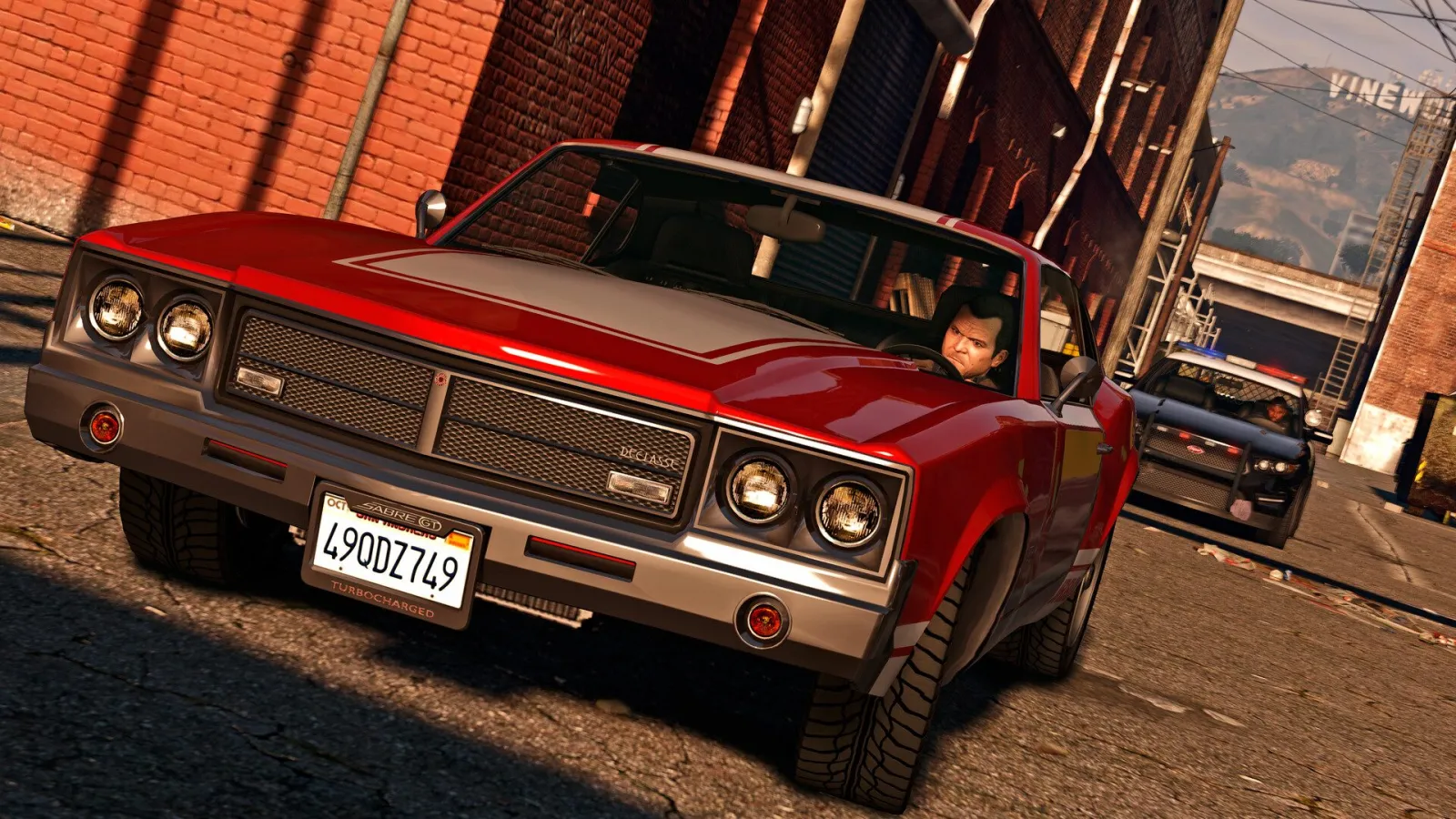
GTA 5 controls for PC, PlayStation and Xbox: moving and sprinting, cover and stealth, weapons, cars, planes and helicopters, swimming and diving, parachute, phone, switching characters, first-person view and how to rebind keys.
Contents
GTA 5 controls at a glance
On PC, GTA 5 uses W A S D and the mouse: Shift to sprint, Space to jump, F to get in a car and Tab for the weapon wheel. On PlayStation and Xbox you move with the left stick, shoot with the right trigger and open the weapon wheel with the left bumper. The tables below show the default layouts as listed by GTA Wiki, StrategyWiki, GTA BOOM and BisectHosting, grouped by situation. If something does not match, check the settings menu in case the layout was changed.
There is no dedicated crouch button in story mode. The closest thing is stealth mode (Left Ctrl or L3), which makes your character move low and quieter. Behind low cover the character ducks automatically.
On foot and weapons
| Action | PC | PlayStation | Xbox |
|---|---|---|---|
| Move | W A S D | left stick | left stick |
| Sprint | Left Shift | X (Cross) | A |
| Jump, climb | Space | Square | X |
| Enter / exit vehicle | F | Triangle | Y |
| Take cover | Q | R1 | RB |
| Stealth mode | Left Ctrl | L3 | L3 |
| Aim | right mouse button | L2 | LT |
| Shoot | left mouse button | R2 | RT |
| Reload, melee | R | Circle | B |
| Weapon wheel | Tab (hold) | L1 (hold) | LB (hold) |
| Next / previous weapon | mouse wheel | D-pad left / right | D-pad left / right |
| Weapon categories | 1-9 | - | - |
| Throw grenade | G | L2 + D-pad left | LT + D-pad left |
| Look behind | C | R3 | R3 |
| Special ability | Caps Lock | L3 + R3 | L3 + R3 |
| Switch character | Left Alt (hold) + mouse; F5 Michael, F6 Franklin, F7 Trevor | D-pad down (hold) + right stick | D-pad down (hold) + right stick |
| Change camera, first person | V | touchpad | View |
| Pause and map | Esc or P | Options | Menu |
Guides disagree on sprinting with a controller: GTA BOOM and BisectHosting say to tap X / A repeatedly, GTA Wiki says hold. Both work, and tapping gives a faster run. Some guides call the PS5 camera button Create; on PS4 it is the touchpad. Weapons and where to get them are covered on the GTA 5 weapons page.
First-person view and switching characters
First-person view arrived with the 2014 PS4, Xbox One and PC versions and is in every release since. There is no separate toggle: press V on PC, the touchpad on PlayStation or View on Xbox until the camera moves to the character’s eyes. Walking, running and shooting use the same keys. Playing 15 hours in first person unlocks A New Perspective; the full list is on the GTA 5 achievements page.
To switch characters, use the character wheel: on PC hold Left Alt and pick with the mouse, or press F5 (Michael), F6 (Franklin) or F7 (Trevor); on a controller hold D-pad down and choose with the right stick. Some missions lock switching. More on the trio: GTA 5 characters; first steps: GTA 5 beginner tips.
Cars and bikes
| Action | PC | PlayStation | Xbox |
|---|---|---|---|
| Accelerate / brake and reverse | W / S | R2 / L2 | RT / LT |
| Steer | A / D | left stick | left stick |
| Handbrake | Space | R1 | RB |
| Horn | E | L3 | L3 |
| Headlights | H | D-pad right | D-pad right |
| Radio wheel | Q (hold) | D-pad left (hold) | D-pad left (hold) |
| Next / previous station | . / , | D-pad left | D-pad left |
| Duck | X | X (Cross) | A |
| Look behind | C | R3 | R3 |
| Cinematic camera | R | Circle | B |
| Drive-by: aim / fire | right mouse button / left mouse button | L1 / L1 + R1 | LB / LB + RB |
| Convertible roof | H (hold, while stopped) | D-pad right (hold) | D-pad right (hold) |
GTA Wiki lists the PC horn as G, while StrategyWiki, GTA BOOM and BisectHosting give E, so we use E. Which cars are worth keeping is covered on the GTA 5 vehicles page.
Planes and helicopters
| Action | PC | PlayStation | Xbox |
|---|---|---|---|
| Throttle up / down | W / S | R2 / L2 | RT / LT |
| Yaw left / right | A / D | L1 / R1 | LB / RB |
| Nose down / up | Num 8 / Num 5 | left stick forward / back | left stick forward / back |
| Roll | Num 4 / Num 6 | left stick left / right | left stick left / right |
| Landing gear | G | L3 | L3 |
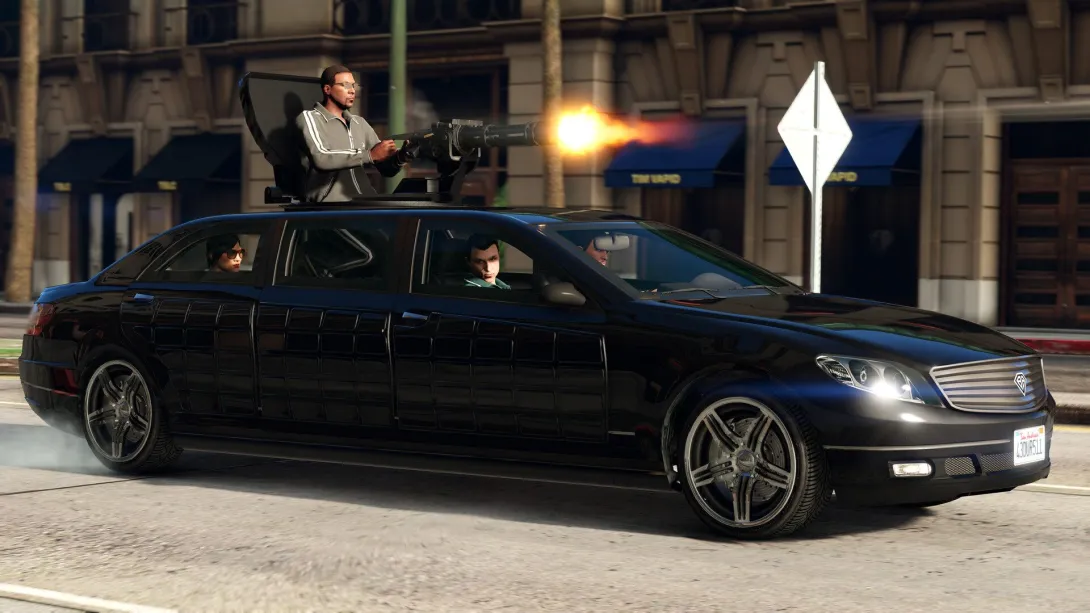
Helicopters use the same keys. On PC, pitch and roll sit on the numpad, which is why guides recommend flying with a controller. The Cargobob hook and magnet are on E on PC. Flight School teaches the basics; see GTA 5 hobbies and activities.
Swimming, diving and parachuting
Press Left Shift, X or A to swim faster. Underwater the controls are inverted, like in a plane: pushing forward (W or stick forward) takes you deeper, pulling back (S or stick back) with the swim button brings you to the surface.
| Action | PC | PlayStation | Xbox |
|---|---|---|---|
| Swim faster | Left Shift | X (Cross) | A |
| Dive deeper | W | left stick forward | left stick forward |
| Surface | S + Left Shift | left stick back + X (Cross) | left stick back + A |
| Submersible up / down | Left Shift / Left Ctrl | Square / X (Cross) | X / A |
| Open parachute | left mouse button or F | X (Cross) | A |
| Steer parachute | W A S D | left stick | left stick |
| Precision control | Left Shift | L1 + R1 | LB + RB |
| Cut away parachute | F | Triangle | Y |
| Smoke | X | X (Cross) (hold) | A (hold) |
Phone, map and tow truck
| Action | PC | PlayStation | Xbox |
|---|---|---|---|
| Take out phone | Up arrow or mouse wheel click | D-pad up | D-pad up |
| Select / back | Enter / Backspace | X (Cross) / Circle | A / B |
The map is in the pause menu (Esc or P on PC, Options on PlayStation, Menu on Xbox). In story mode, tow truck work comes from Tonya’s missions for Franklin: back the truck up to a car and the hook attaches on its own. Guides list different buttons for raising and lowering the hook, so follow the on-screen prompt. Tonya’s line is covered under Strangers and Freaks.
How to change controls in GTA 5
PC: pause menu - Settings - Key Bindings. You can move almost any action to another key or mouse button. PC cheats are typed into the console; the codes are on GTA 5 PC cheats.
PS5: remap buttons in the console settings: Settings - Accessibility - Controllers - Custom Button Assignments. It applies to every game, but GTA 5’s own prompts will still show the default buttons.
Xbox Series X|S: Settings - Devices & connections - Accessories, where the Xbox Accessories app lets you remap controller buttons.
How do you crouch in GTA 5?
There is no crouch button. Turn on stealth mode with Left Ctrl on PC or by clicking the left stick (L3) on a controller: your character lowers and moves more quietly. Behind low cover (Q, R1, RB) they duck automatically.
How do you rebind keys in GTA 5 on PC?
Open the pause menu, go to Settings and then Key Bindings, pick an action and assign a new key or mouse button.
How do you switch to first person in GTA 5?
Cycle the camera with V (PC), the touchpad (PlayStation) or View (Xbox) until you see through the character’s eyes. The rest of the controls stay the same.
How do you swim up in GTA 5?
Underwater the controls are inverted: pull back (S or stick toward you) and hold the swim button - Left Shift, X or A.
Popular on GTA Top
- GTA 5 on mobile does not exist, and every APK is a fake
- GTA San Andreas on mobile comes in two official versions: here is what they cost
- Count down the days to GTA 6 with a live timer to November 19
- You can play GTA 5 in a browser only through the cloud, with your own copy
- GTA San Andreas in 2026: how to play it legally and which version to pick
Sources
- Official: Rockstar Games, Rockstar Newswire, Rockstar Support, Take-Two Interactive
- Databases and guides: GTABase, GTA Wiki, GTA BOOM, PowerPyx
- Press: GamesRadar, PC Gamer, IGN, VGC, Game Informer
Every fact is checked against official sources or at least two independent ones; player-sourced data is labelled in the text. Images are official Rockstar Games material. GTA Top is not affiliated with Rockstar Games or Take-Two Interactive.