
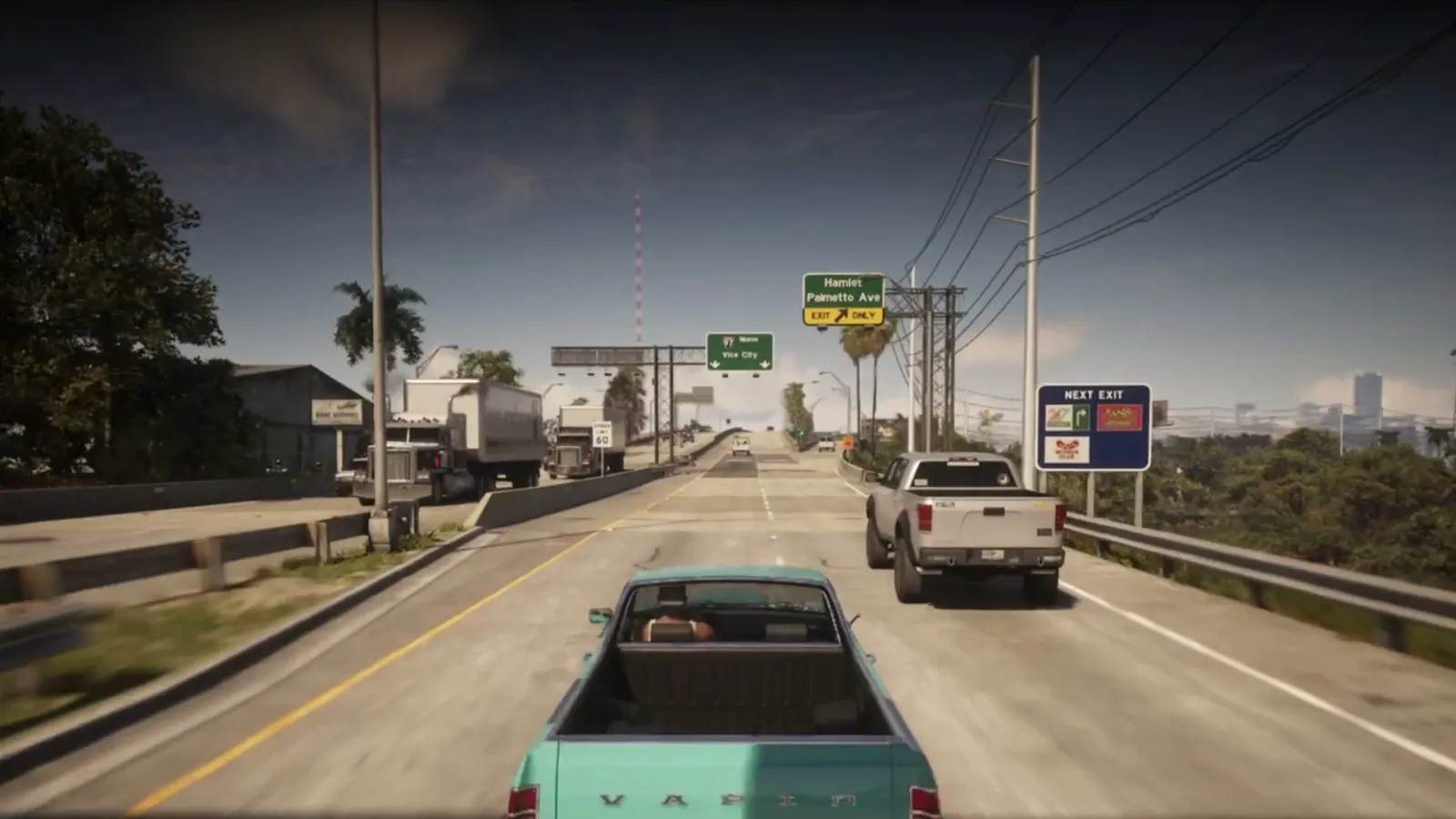
Is there first person in GTA 6: the view while standing still, when aiming with a scope and behind the wheel with the phone out, PS5 and Xbox buttons, the permanent camera glitch, camera settings and a comparison with GTA 5.
Contents
- Is there first person in GTA 6: the short answer
- How to look through the hero's eyes on foot, behind the wheel and through a scope
- The permanent first-person glitch: how it works and what you risk
- How to change the camera in GTA 6: height, cinematic mode and settings
- How this differs from first person in GTA 5
- What Rockstar said and whether first person will be added later
- What to know so you do not get it wrong
- FAQ
- Sources
Is there first person in GTA 6: the short answer
No, if you mean a mode like the one GTA 5 has on PS4 and newer consoles. GTA 6 has no setting that switches the whole game to the view through Jason's or Lucia's eyes, and none of the 61 cheat codes unlocks such a camera (according to KeenGamer). Rockstar North built the game around the over-the-shoulder camera: animations, cover, fistfights and chases are all designed for it.
But if you say "there is no first person at all", you will be wrong too. The game switches to the hero's eyes on its own in a few moments, and there is also an unofficial glitch people have been talking about since day one of sales. Below, one by one: what works on foot, behind the wheel and while aiming.
| Situation | First person? | How to turn it on (PS5 / Xbox) | Limits |
|---|---|---|---|
| On foot, walking and running | no | - | third person only, three camera heights |
| On foot, standing still | yes | hold L2 + R3 / LT + right stick | as soon as you move, the camera goes back behind you |
| Aiming | yes, with a scoped weapon | hold L2, press R3 / LT, right stick | you cannot walk in this view |
| Behind the wheel | yes, while the phone is out | D-pad up | put the phone away and it is third person again |
| Always, everywhere | only through the glitch | see the glitch section | unofficial, the way out is loading a save |
How to look through the hero's eyes on foot, behind the wheel and through a scope
On foot. Stop, hold L2 (LT on Xbox) and press the right stick R3. The camera moves into the hero's eyes, and you can take a look at the street, signs or interior details. This is the same action that our GTA 6 controls table calls "look around". The combo is confirmed by PowerPyx, KeenGamer and Engadget. KeenGamer adds: if R3 alone does nothing, hold L2 and press both sticks together. Without L2, pressing L3 + R3 turns on Focus, so do not mix them up. As soon as you push the left stick, the camera goes back behind you.
Through a scope. The first-person view kicks in on weapons with a scope. You buy a scope at any Ammu-Nation, from the clerk. Then hold L2 (LT) to aim and press R3 - the camera moves to the scope. You cannot walk like this, so it is a position for a shot from where you stand. KeenGamer recommends Free Aim instead of lock-on for these shots. How to upgrade which weapon is covered on the GTA 6 weapons page.
Behind the wheel. Pull out the phone with D-pad up: the camera moves into the cabin, and you can drive looking through the windshield with the phone in your hand. Put the phone away and the view goes back behind the car. That is what PowerPyx, KeenGamer and Engadget say. The games.gg guide, on the other hand, claims there is no first person behind the wheel at all. The author probably meant a separate driving mode rather than the phone view, but it is a discrepancy, and we say so directly. Keep in mind that the phone in your hand makes the car harder to handle, so you will not drive like this for long. What the phone itself can do is in the GTA 6 phone section.
The permanent first-person glitch: how it works and what you risk
In the first days after launch, players oneboyler and OrangeGuy showed on YouTube a way to "freeze" the phone view. The steps are described by Dexerto, ComicBook and PC Gamer, and VGC made a separate guide:
- Open Settings → Controller and remap the touchpad (PS5) or the View button (Xbox) from the map to camera switching. Dexerto and PC Gamer call the option Camera 2/2, ComicBook simply talks about changing the camera.
- Get in a car and pull out the phone with D-pad up.
- Put the phone away with Circle (B on Xbox) and at that moment quickly press the touchpad or View.
- If the camera stays in the cabin after the phone disappears, the glitch worked. Get out of the car: the first-person view stays on foot too.
There is a discrepancy here as well: in TechTimes' retelling of the PC Gamer instructions, the phone is opened with D-pad down. In GTA 6 the phone is D-pad up, while holding down opens the navigation and camera menu, so the correct option is up.
What to know before you try:
- It does not always work on the first try, the timing is very tight.
- You can only go back to third person by loading a save or restarting from a checkpoint. Make a manual save before you try.
- According to a single source (VGC), the view can reset in menus that change the camera themselves, for example in a shop or a garage.
- The hero's arms and body sometimes clip through the camera, and some animations look rough (ComicBook, PC Gamer).
- Dexerto does not recommend playing missions in this view.
- It is a camera bug, not a feature, so a patch may remove it. None of the sources checked whether the glitch affects trophies.
How to change the camera in GTA 6: height, cinematic mode and settings
Since there is no first person, you can tune the regular camera to your liking. The quick camera menu is on the D-pad: hold D-pad down. The same menu has map markers and route reset, so in our button table it is called the quick navigation menu.
| What to do | PS5 | Xbox |
|---|---|---|
| Open the camera menu | hold D-pad down | hold D-pad down |
| Switch height: Camera 1, 2, 3 | Square in this menu | X in this menu* |
| Cinematic camera | Options in this menu | Menu in this menu* |
| First-person view while standing | hold L2 + R3 | hold LT + right stick |
| Look behind | hold R3 | hold the right stick |
| Switch shoulder while aiming | D-pad left | D-pad left |
* The HowToVideoGame guide only covers PS5; the Xbox buttons are listed using the usual controller mapping, so check the menu on your console.
There are three heights, and they work on foot as well as in a car or a boat (Engadget, HowToVideoGame, games.gg). The cinematic camera shows the ride with dramatic shots, but, as Engadget warns, it makes steering harder. To leave it, hold D-pad down again.
Deeper settings are in the pause menu → Settings → Camera (the tab between UI and Audio). According to HowToVideoGame, there are 24 options there, including:
- camera height separately on foot and for all vehicles, medium by default (2 of 3);
- camera follow speed on foot, horizontal and vertical, separately for the driver and the passenger, and for planes - whether the camera follows a barrel roll;
- camera shake, weapon sway and camera bob while walking - the first things to turn down if the game makes you nauseous or your eyes get tired;
- Phone Display with two options.
Field of view (FOV). There is no separate FOV slider for normal play. According to a single source (KeenGamer), FOV can only be changed in photo mode, up to 48.5 degrees, and it only affects your shots. So if the camera feels cramped, camera height and follow speed will help, not FOV.
Motion blur is not in Camera but in Display → Visual Effects; it is a slider, and at zero the blur disappears. At 30 fps a little blur smooths out turns, so many players find the minimum value more comfortable than zero. The rest of the recommendations are on the best GTA 6 settings page.
How this differs from first person in GTA 5
The comparison begs to be made, so to be clear: everything in this section is about GTA 5, not GTA 6.
- GTA 5 came out in 2013 on PS3 and Xbox 360 also without first person. The mode was added in the re-release for PS4 and Xbox One on November 18, 2014, and on PC in 2015. It worked both in story mode and in GTA Online.
- At the time, Rockstar talked about thousands of new animations, a dedicated first-person cover system, a new aiming system, a shooter-style control scheme and settings for field of view, aim sensitivity and head bob.
- Switching was one button: the touchpad on PlayStation, View on Xbox, the V key on PC. Rockstar Support confirms that first person is available on PC, PS5, Xbox Series X|S, PS4 and Xbox One, so it stayed in the current re-release for new consoles.
- The settings let you use different cameras on foot and in vehicles (Allow Independent Camera Modes) - for example, walk in first person and drive in third.
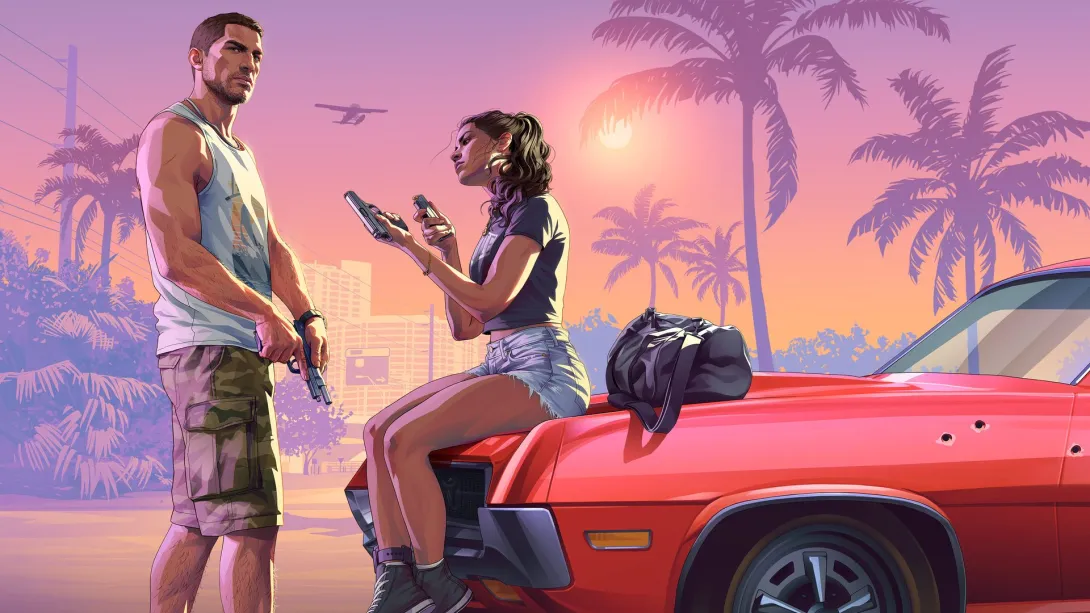
In GTA 6 the touchpad and View open the map by default, and that is exactly the button people remap for the glitch. The closest thing to the old first person now is the phone view behind the wheel and the scope view. The full comparison of the two games is in our GTA 6 vs GTA 5 article.
What Rockstar said and whether first person will be added later
There is no official Rockstar statement with a quote. In August 2026, Brazilian creator Davy Jones, who was invited to a showcase at Rockstar North in Edinburgh, relayed the words of studio co-head Rob Nelson: the game is built first and foremost around the third-person camera, and there will be no dedicated first-person mode at launch. TweakTown, Insider Gaming and Beebom reported it, all of them based on the creator's retelling. Insider Gaming honestly notes that it is impossible to verify whether Davy Jones heard this directly or simply did not see such a mode at the showcase. The November 19 release confirmed the retelling: the mode is not there.
About the future, Rockstar has said nothing: no promises, no dates (KeenGamer, games.gg). Everything you read about "first person in an update" or "in the PC version" is the authors' guesswork, based on the history of GTA 5 and on the fact that Red Dead Redemption 2 had first person from day one. PowerPyx suggests the mode's code is already in the game, since the glitch works fairly smoothly, but that is also just a guess. Rockstar has not announced a PC version yet - we are tracking it on the GTA 6 on PC page.
What to know so you do not get it wrong
- L3 + R3 without L2 is Focus, not first person. For the hero's-eye view, hold L2 (LT) first.
- The touchpad in GTA 6 is the map. The GTA 5 habit of pressing it to change the camera will keep opening the map until you remap the button yourself.
- No scope, no first person when aiming. If R3 changes nothing while aiming, check whether the weapon has a scope.
- Cheats will not help. None of the codes gives you a first-person camera, and GTA 6 cheats also disable trophies until you quit the game.
FAQ
Is there a first-person view in GTA 6?
There is no full mode. The view through the hero's eyes turns on when you stand still (L2 + R3 on PS5, LT + right stick on Xbox), aim a weapon with a scope and drive with the phone in your hand.
How do you turn on first person in GTA 6 on PS5?
While standing still, hold L2 and press R3. In a car, press D-pad up to pull out the phone. With a scoped weapon - L2, then R3. Permanent first person is only possible through an unofficial glitch with a remapped touchpad.
Can you drive in first person in GTA 6?
Only while the phone is out: D-pad up moves the camera into the cabin. Put the phone away and the camera is behind the car again. There is no separate in-cabin driving mode.
How do you change the camera in GTA 6?
Hold D-pad down: in that menu, Square (X on Xbox) cycles through three camera heights, and Options turns on the cinematic camera. Finer settings are in Settings → Camera.
Does GTA 6 have an FOV setting?
Not for normal play. According to KeenGamer, the field of view can only be changed in photo mode, and it only affects your shots.
Will Rockstar add first person to GTA 6?
Rockstar has not announced it. GTA 5 got first person a year after launch, in the 2014 re-release, but there are no promises for GTA 6.
Read next
All guides →
Popular on GTA Top
- You can play GTA 5 in a browser only through the cloud, with your own copy
- The GTA 6 interactive map tracks 646 locations with search and progress
- GTA 5 on mobile does not exist, and every APK is a fake
- GTA San Andreas on mobile comes in two official versions: here is what they cost
- GTA 6 unique weapons locations: free variants, loot stashes and parachutes
Sources
- Official: Rockstar Games, Rockstar Newswire, Rockstar Support, Take-Two Interactive
- Databases and guides: GTABase, GTA Wiki, GTA BOOM, PowerPyx
- Press: GamesRadar, PC Gamer, IGN, VGC, Game Informer
Every fact is checked against official sources or at least two independent ones; player-sourced data is labelled in the text. Images are official Rockstar Games material. GTA Top is not affiliated with Rockstar Games or Take-Two Interactive.