Home

Main menu

GTA 6 GTA Online GTA 5 RDR 2 News Guides
More
About Advertising Contact
Українська English Español Português (Brasil) Polski Türkçe Русский

Account

Account
Menu

Main menu

GTA 6 GTA Online GTA 5 RDR 2 News Guides
More
About Advertising Contact
Українська English Español Português (Brasil) Polski Türkçe Русский
  1. Home
  2. News
  3. GTA 6
  4. GTA 6 can drive you to a waypoint on its…

Game sections

  • GTA 6
    • About the game
    • Map
    • Collectibles
    • Easter eggs
    • Can you in GTA 6…
    • 100% completion
    • Missables
    • Missions
    • Strangers and Freaks
    • Cheats
    • Characters
    • Jason and Lucia
    • Vehicles
    • Best cars
    • Fastest cars
    • Stealing cars
    • Weapons
    • Best weapons
    • Unique weapons
    • Heists
    • Fences
    • Gangs
    • Activities
    • Random events
    • Weather
    • Achievements
    • Controls
    • Wanted level
    • Safehouses
    • Animals
    • Best settings
    • Launch issues
    • Updates
    • Server status
    • Reviews and scores
    • Price and editions
    • Editions
    • On PC
    • On mobile
    • Languages
    • Soundtrack
  • GTA Online
    • About the game
    • Price and editions
    • On PC
    • On mobile
    • Cheats
    • Map
    • Missions
    • Heists
    • Vehicles
    • Weapons
    • Collectibles
    • Properties
    • Businesses
    • How to make money
    • Weekly update
    • Updates
  • GTA 5
    • About the game
    • Release date
    • Price and editions
    • On PC
    • System requirements
    • Best settings
    • On mobile
    • Languages
    • Cheats
    • PC cheats
    • Controls
    • Characters
    • Map
    • Missions
    • Strangers and Freaks
    • 100% completion
    • Heists
    • Vehicles
  • Red Dead Redemption 2
    • About the game
    • Release date
    • Price and editions
    • On PC
    • System requirements
    • Best settings
    • On mobile
    • Languages
    • Cheats
    • Controls
    • Characters
    • Map
    • RDO map
    • Missions
    • 100% completion
    • Weapons
    • Horses
    • RDO horses
  • Red Dead Redemption
    • About the game
    • On mobile
    • Cheats
    • Characters
    • Map
    • Missions
    • 100% completion
    • Weapons
  • GTA: San Andreas
    • About the game
    • System requirements
    • On mobile
    • Cheats
    • Characters
    • Map
    • Missions
    • 100% completion
    • Vehicles
    • Weapons
    • Gangs
    • Collectibles
    • Achievements
    • Properties
    • Radio and music
  • GTA: Vice City
    • About the game
    • On mobile
    • Cheats
    • Characters
    • Map
    • Missions
    • 100% completion
    • Vehicles
    • Weapons
    • Achievements
    • Properties
    • Radio and music
  • GTA RP / FiveM
    • About the game
    • Servers
    • Ukrainian servers
    • RedM (RDR2 RP)
  • More GTA games
    • GTA 4
    • GTA 3
    • GTA: The Trilogy
    • GTA: Liberty City Stories
    • GTA: Vice City Stories
    • GTA: Chinatown Wars
    • GTA 2
    • GTA
  • Other Rockstar games
    • Bully
    • Max Payne
    • L.A. Noire
    • Manhunt
    • Midnight Club
    • Rockstar Games

GTA 6 can drive you to a waypoint on its own and lets you flip a crashed car

24.11.2026, 14:31 Author: Alex Rayne
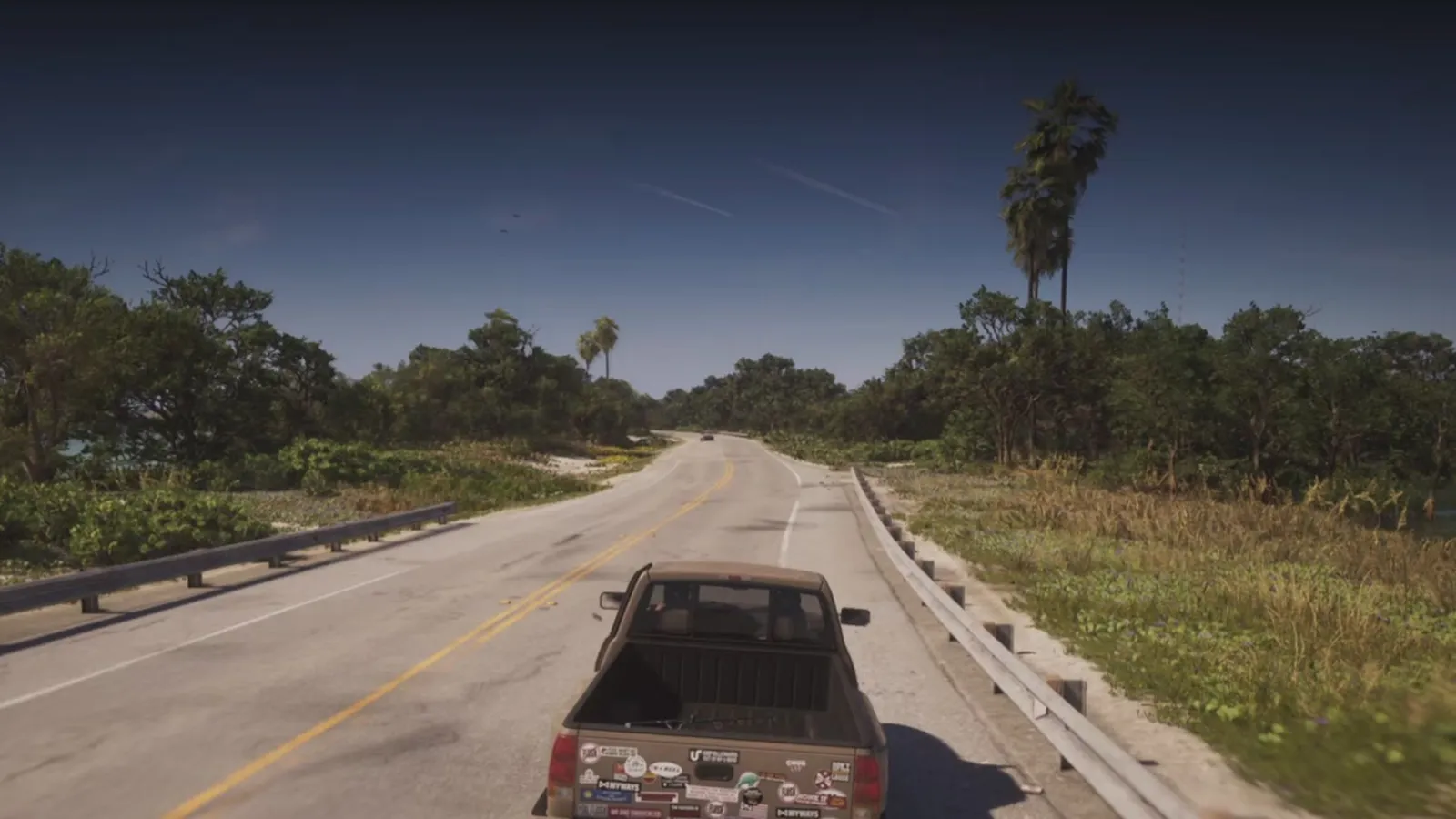
A pickup drives an empty road through green scrubland - GTA 6

Set a waypoint, hold a couple of buttons, and your character in GTA 6 will drive there by themselves while following traffic rules. That is one of ten lesser-known tricks rounded up by MP1st; Lifehacker ran its own list of ten on November 23.

None of this comes from an official Rockstar list: MP1st credits the fan account GTA 6 News on X. We could not check what Lifehacker included, as its site would not load for us. The inputs below are as MP1st describes them (PS5 / Xbox):

  • Auto-drive. Set a waypoint, hold D-pad Down, press Options/Menu for Cinematic Mode, then hold Circle/B. Speed is adjustable, and random events can still happen on the road.
  • Flip a car. Stand at its side, click L3/LS to brace, then hold Square/X to push.
  • Leave the engine running. Double-tap Triangle/Y as you exit; a moving car keeps rolling.
  • Vehicle menu. Hold D-pad Left for windows, lights and radio.
  • Rest. Hold Circle/B on foot to sit on the sand or lean against a wall.
  • Door strike. Press Square/X while driving; on a bike you kick instead.
  • Duck in the car. Hold Circle/B while driving.
  • Scan a car. Hold D-pad Up for WAiNK, then hold R1/RB.
  • Quick navigation. Hold D-pad Down to set a nearby waypoint without opening the full map.
  • Focus. L3 + R3 / LS + RS slows time, and it works behind the wheel too.

Only three of the ten are genuinely new to our controls guide

Six of these are already in our GTA 6 controls guide: the vehicle menu, resting, ducking, WAiNK, quick navigation and Focus. The genuinely obscure ones are auto-drive, flipping a car and the door strike. We list a double tap of Triangle as bailing out on the move; MP1st adds that the car carries on rolling afterwards.

MP1st also throws in an eleventh trick of its own: hold L2 and tap R3 for a stationary first-person view, where you can look around but not move.

Source: MP1st

More news

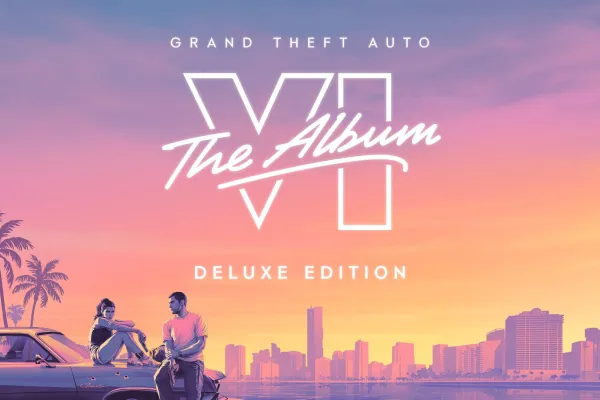
GTA 6 drew over 39 million PS5 players in four days and set a PlayStation online recordGTA 6 streams from Xbox Series X|S to phones, PCs and the ROG Ally, Microsoft saysRed Dead Redemption 2 drops to $14.99 on Steam, Ultimate Edition to $19.99Rockstar adds 23 more GTA 6 tracks with The Album Deluxe Edition
All news →

Popular on GTA Top

  1. GTA 6 drew over 39 million PS5 players in four days and set a PlayStation online record
  2. You can play GTA 5 in a browser only through the cloud, with your own copy
  3. The GTA 6 interactive map tracks 646 locations with search and progress
  4. GTA 6 languages: English-only voice acting and up to 13 subtitle languages
  5. GTA 6 story without spoilers: what it's about, chapters and length
Share:
To leave a comment, sign in.
Logo footer

Games

  • GTA 6
  • GTA Online
  • GTA 5
  • Red Dead Redemption 2
  • Red Dead Redemption
  • GTA San Andreas
  • GTA Vice City

Sections

  • News
  • Guides
  • Tools
  • GTA 5 cheats

About

  • About us
  • Advertising
  • Contact
  • Editorial policy
Copyright © 2026 Unofficial fan site.
Copying and free distribution of our materials is allowed with a link to the original source.
GTA Top is not affiliated with Rockstar Games or Take-Two Interactive. Game titles and trademarks belong to their owners; official images © Rockstar Games. Editorial policy · Author: Alex Rayne
  • Privacy policy