Home

Main menu

GTA 6 GTA Online GTA 5 RDR 2 News Guides
More
About Advertising Contact
Українська English Español Português (Brasil) Polski Türkçe Русский

Account

Account
Menu

Main menu

GTA 6 GTA Online GTA 5 RDR 2 News Guides
More
About Advertising Contact
Українська English Español Português (Brasil) Polski Türkçe Русский
  1. Home
  2. News
  3. GTA 6
  4. GTA 6 moves sprint to L3 by default, Ins…

Game sections

  • GTA 6
    • About the game
    • Release countdown
    • Launch live
    • Release date
    • Reviews and scores
    • Price and editions
    • Editions
    • On PC
    • System requirements
    • File size
    • Launch issues
    • Best settings
    • On mobile
    • Languages
    • Cheats
    • Controls
    • Characters
    • Cast
  • GTA Online
    • About the game
    • Price and editions
    • On PC
    • On mobile
    • Cheats
    • Map
    • Missions
    • Heists
    • Vehicles
    • Weapons
    • Collectibles
    • Properties
    • Businesses
    • How to make money
    • Weekly update
    • Updates
  • GTA 5
    • About the game
    • Release date
    • Price and editions
    • On PC
    • System requirements
    • Best settings
    • On mobile
    • Languages
    • Cheats
    • PC cheats
    • Controls
    • Characters
    • Map
    • Missions
    • Strangers and Freaks
    • 100% completion
    • Heists
    • Vehicles
  • Red Dead Redemption 2
    • About the game
    • Release date
    • Price and editions
    • On PC
    • System requirements
    • Best settings
    • On mobile
    • Languages
    • Cheats
    • Controls
    • Characters
    • Map
    • RDO map
    • Missions
    • 100% completion
    • Weapons
    • Horses
    • RDO horses
  • Red Dead Redemption
    • About the game
    • On mobile
    • Cheats
    • Characters
    • Map
    • Missions
    • 100% completion
    • Weapons
  • GTA: San Andreas
    • About the game
    • System requirements
    • On mobile
    • Cheats
    • Characters
    • Map
    • Missions
    • 100% completion
    • Vehicles
    • Weapons
    • Gangs
    • Collectibles
    • Achievements
    • Properties
    • Radio and music
  • GTA: Vice City
    • About the game
    • On mobile
    • Cheats
    • Characters
    • Map
    • Missions
    • 100% completion
    • Vehicles
    • Weapons
    • Achievements
    • Properties
    • Radio and music
  • GTA RP / FiveM
    • About the game
    • Servers
    • Ukrainian servers
    • RedM (RDR2 RP)
  • More GTA games
    • GTA 4
    • GTA 3
    • GTA: The Trilogy
    • GTA: Liberty City Stories
    • GTA: Vice City Stories
    • GTA: Chinatown Wars
    • GTA 2
    • GTA
  • Other Rockstar games
    • Bully
    • Max Payne
    • L.A. Noire
    • Manhunt
    • Midnight Club
    • Rockstar Games

GTA 6 moves sprint to L3 by default, Insider Gaming's control tables show

18.11.2026, 19:40 Author: Alex Rayne
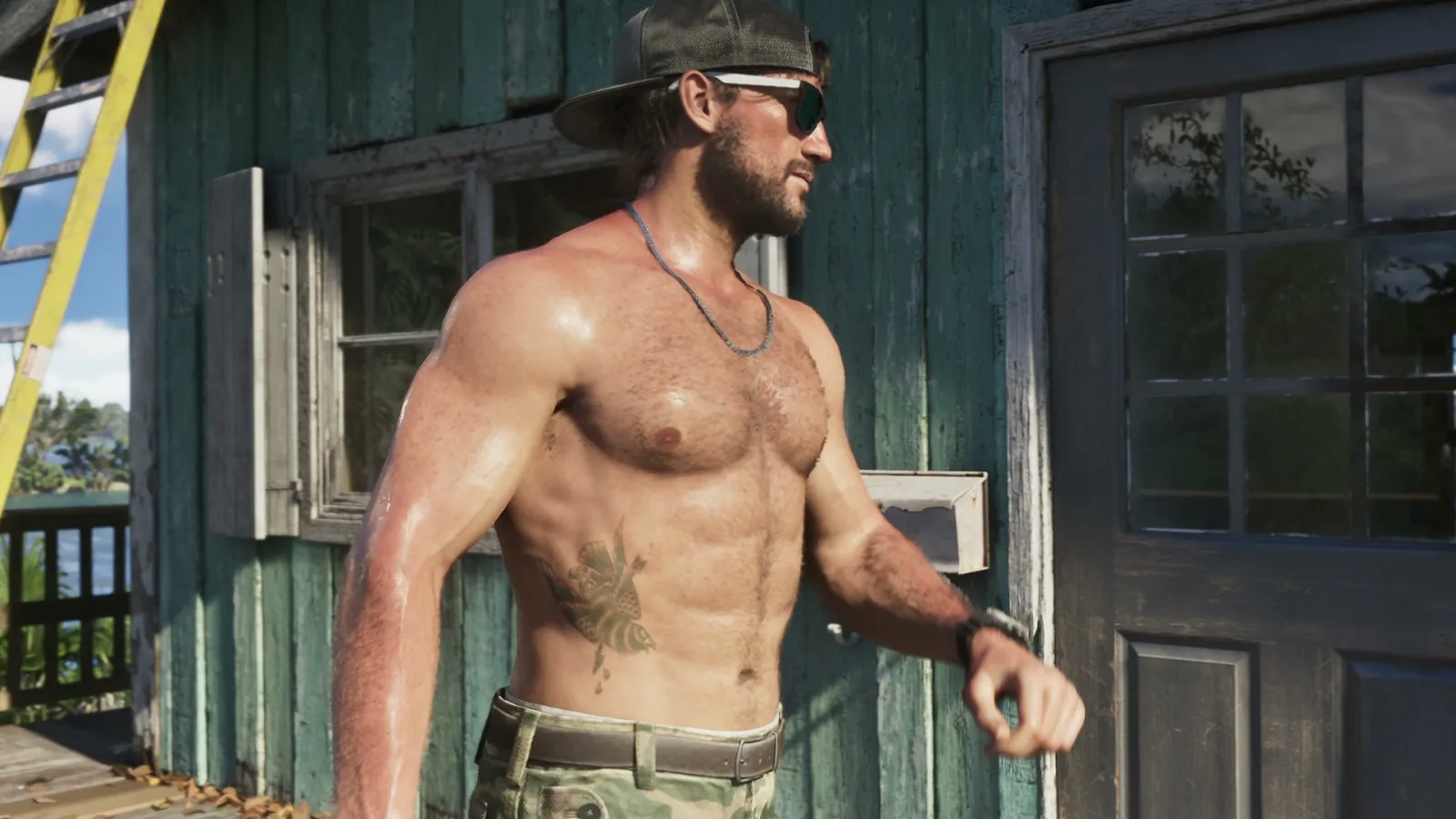
Jason in a cap and glasses behind the wheel of a car - GTA 6

Sprinting in GTA 6 no longer lives on Cross (A on Xbox): in the default control scheme you run by clicking the left stick. Insider Gaming published the full PlayStation and Xbox control tables on November 18, and Tom Henderson shared the guide on X.

All GTA 6 Controller Settings on PlayStation & XBOX - Full Control Scheme https://t.co/7TRPE0aoXz

- Tom Henderson (@_Tom_Henderson_) November 18, 2026

The game offers three schemes: Default, Classic and Left-Handed, the last of which swaps the roles of the sticks, triggers and bumpers. Each one has separate layouts for on foot, aiming, melee, land and water vehicles, aircraft, bicycles, swimming and parachuting. Shacknews and GameRant ran matching tables the same day. None of the outlets say where the schemes came from, and Rockstar has not posted them on its Newswire.

On foot is where Default and Classic differ the most:

ActionDefault (PS / Xbox)Classic (PS / Xbox)
SprintL3 / LSCross / A
Jump, climbCross / ASquare / X
MeleeSquare / XCircle / B
CrouchCircle / BL3 / LS

A preview-event claim now checks out

Back in late October our GTA 6 controls page noted a claim from Italian blogger MikeShowSha after a closed preview: sprint had moved from Cross to L3, and the handbrake from R1 to Cross. At the time it rested on one person's word. Both changes now appear in the tables from all three outlets.

Behind the wheel, the default scheme puts accelerate on R2, brake and reverse on L2, handbrake on Cross, exit on Triangle and horn or nitrous on L3. Shooting stays on R2, with aiming and interaction on L2.

The old layout is a menu switch away. Per GameRant, press Options, open Settings, use the D-pad on the first tab, Control Scheme, to change Default to Classic, then hold Cross to save. Insider Gaming has no PC controls yet and says they should follow.

GameRant's Jake Fillery writes that Classic plays better thanks to muscle memory. Is it worth breaking the habit for the layout Rockstar chose as the default?

Source: Insider Gaming, Shacknews, GameRant

Read next

Bigfoot lurks near Cottonmouth Lake in GTA 6, Insider Gaming reportsGTA 6 reviews reportedly go live today at 11:00 GMT, says Insider GamingGTA 6 story reportedly runs 50 hours and the platinum 200, Insider Gaming saysFormer Take-Two CEO calls GTA 6 the last pre-AI blockbuster of its kind
All news →

Popular on GTA Top

  1. You can play GTA 5 in a browser only through the cloud, with your own copy
  2. GTA 5 on mobile does not exist, and every APK is a fake
  3. GTA San Andreas on mobile comes in two official versions: here is what they cost
  4. Cash, the Director, Danny and Leo: who drives the story of Manhunt 1 and 2
  5. Birdwatchers plan to spend their first hours in GTA 6 spotting birds
Share:
To leave a comment, sign in.
Logo footer

Games

  • GTA 6
  • GTA Online
  • GTA 5
  • Red Dead Redemption 2
  • Red Dead Redemption
  • GTA San Andreas
  • GTA Vice City

Sections

  • News
  • Guides
  • Tools
  • GTA 5 cheats

About

  • About us
  • Advertising
  • Contact
  • Editorial policy
Copyright © 2026 Unofficial fan site.
Copying and free distribution of our materials is allowed with a link to the original source.
GTA Top is not affiliated with Rockstar Games or Take-Two Interactive. Game titles and trademarks belong to their owners; official images © Rockstar Games. Editorial policy · Author: Alex Rayne
  • Privacy policy