
Contents
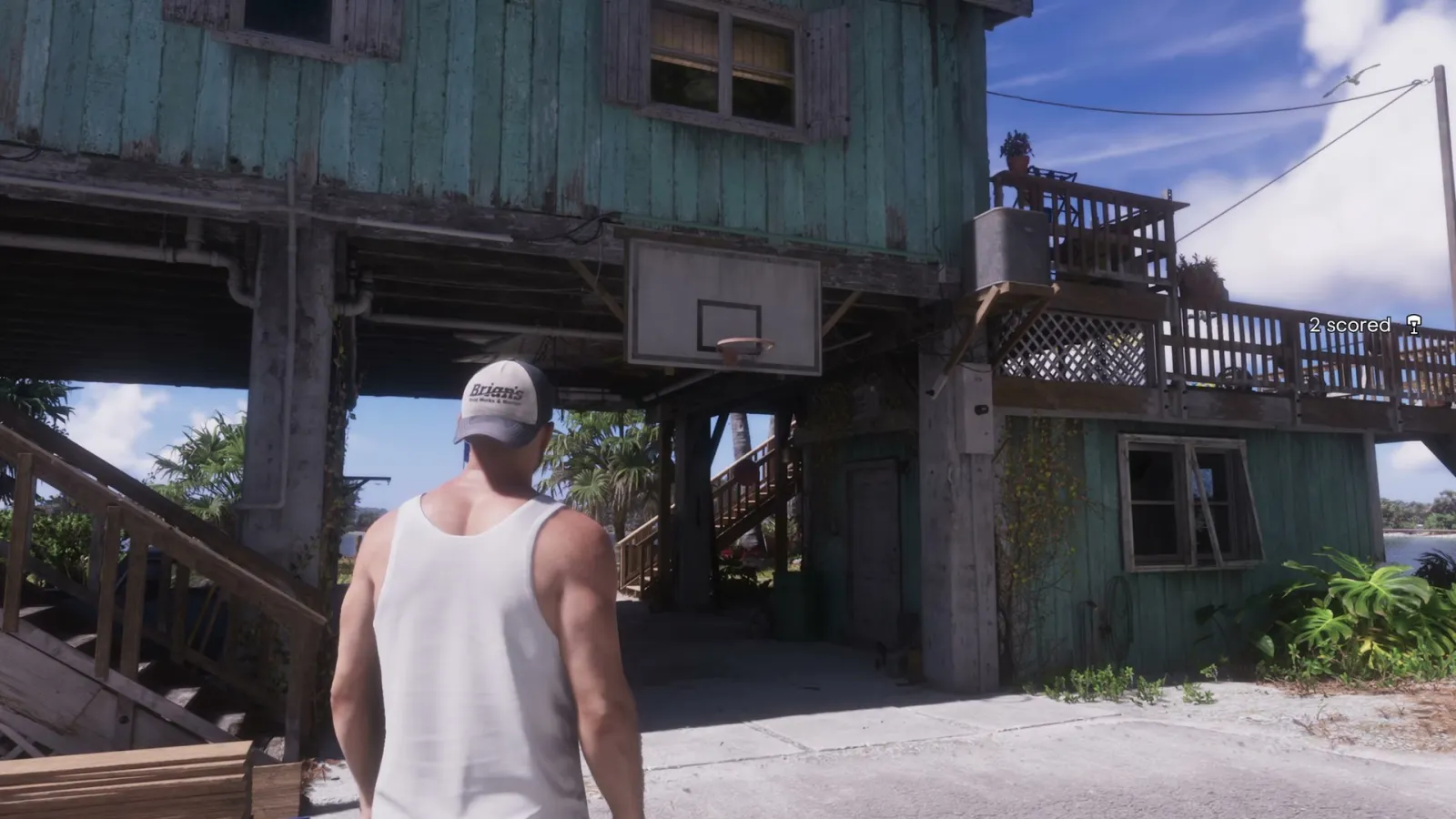
How to save your game in GTA 6 on PS5 and Xbox: the pause menu path, 15 manual slots, when autosave kicks in, PS Plus cloud saves, cheats and the autosave bug fixed in patch 01.002.002.
How to manually save in GTA 6
GTA 6 has no phone quick save like GTA 5, and you don't have to walk to a safehouse bed either. Everything goes through the pause menu, and it works anywhere you're free roaming (KeenGamer, IBTimes, SVG):
- Press Options on PS5 or Menu on Xbox Series X|S to pause. The full button layout is on our GTA 6 controls page.
- Go to the Game tab.
- Select Save Game.
- Pick an empty slot or a save you don't mind overwriting, and confirm.
- Wait for the save to finish before you quit to the main menu or turn off the console.
PowerPyx, GTABase, Dexerto, KeenGamer and IBTimes all describe the same path. We use the menu names exactly as they appear in the game.
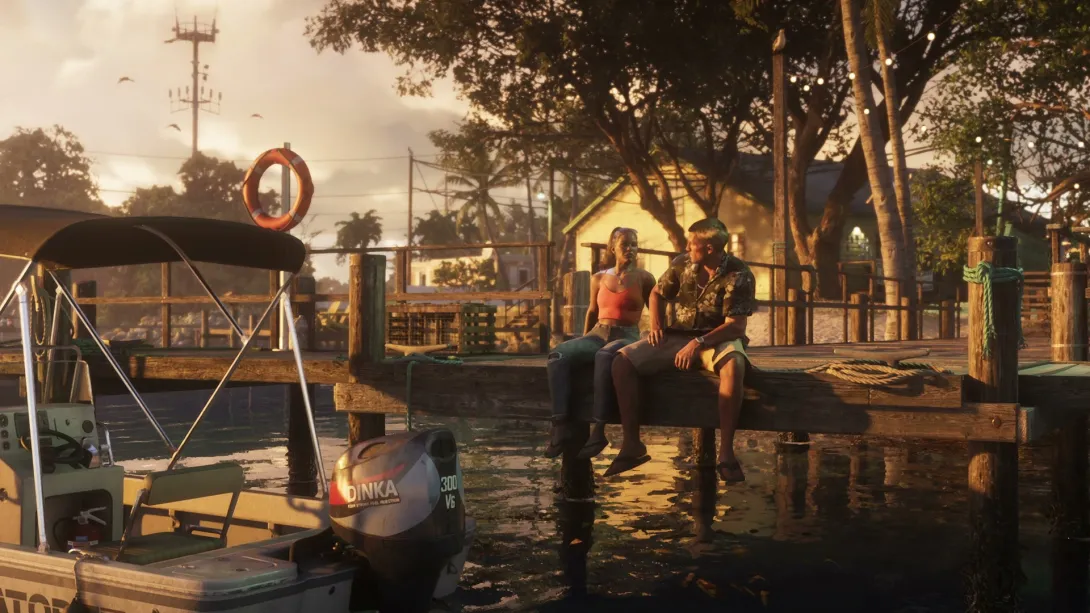
When manual saving unlocks. Save Game is locked during the prologue. It opens up once Jason reaches his house at the marina after his first job for Brian (KeenGamer, IBTimes, GamerFuzion); GTABase simply says "after the prologue." Until then, autosave is your only safety net.
When you can't save
If Save Game is grayed out, it's almost always one of these:
| Situation | What to do | Sources |
|---|---|---|
| Prologue | Play until you reach Jason's house at the marina | KeenGamer, IBTimes, GTABase |
| Active mission (story or side) | Finish the mission or quit it | PowerPyx, Dexerto, Beebom, GTABase, Kotaku |
| Wanted level | Lose the cops - see our GTA 6 wanted level guide for how to clear your stars | GTABase, Kotaku |
| Combat | Finish the shootout and get clear | GTABase, Kotaku |
| Your character is falling (say, after jumping off a bridge) | Land and try again | Kotaku (single source) |
| A cheat is active | Fully close the game and relaunch it | KeenGamer, our cheats page |
Missions only have Retry Checkpoint, which restarts you from a checkpoint but only works within your current attempt (GamerFuzion). It isn't a save: if you turn off the console mid-mission, everything since the mission started is gone (Kotaku).
Autosave: when it kicks in and how to spot it
GTA 6 keeps autosave in one separate slot that overwrites itself every time. It never touches your 15 manual slots (Beebom, KeenGamer, Dexerto).
When the game saves on its own:
- after story missions and bigger side jobs (every guide; Kotaku confirmed it with a story mission where you steal a car from the impound lot);
- after some open-world events (KeenGamer, Dexerto);
- after you die (Wasted) or get arrested (Busted) - Dexerto, IBTimes.
When it doesn't: mid-mission and after small errands. Kotaku describes delivering rum to a neighbor without triggering an autosave, so money and items you pick up between missions are easy to lose if you just turn the console off. Guides disagree on whether the prologue autosaves: KeenGamer says it does, while Notebookcheck says the prologue and some checkpoints don't create one.
The icon. While the game autosaves, a spinning white circle appears in the bottom-right corner of the screen (SVG, single source). As long as it's on screen, don't turn off the console or quit the game.
Rockstar hasn't officially said how often autosaves happen, so every guide lands on the same rule: save manually before you quit.
How many save slots GTA 6 has and how to use them
You get 15 manual slots plus 1 autosave - PowerPyx, GTABase, KeenGamer, Beebom, IBTimes and Dexerto all give that number. In the Load Game menu, the autosave sits on its own line next to your manual saves.
The story has five chapters, so PowerPyx suggests this setup: 10 slots for the start and end of each chapter, and the other 5 on rotation for regular play, so you always have a fallback nearby. KeenGamer adds a save right after the prologue and separate ones before major story choices.
The key moments are the end of Chapter 1 and the end of Chapter 2: after each, some content tied to the first house and the motel locks for good. What disappears, and in which mission, is broken down on our GTA 6 missables page. Before both points, save to a slot you won't overwrite for the rest of the game.
Safehouses are still worth visiting: you change clothes there, and sleeping in the bed skips the night and restores your health and stamina (KeenGamer). You just don't have to save there. More on the characters' homes is on our GTA 6 safehouses page.
How to load an older save
GTA 6 has no mission replay, chapter select or New Game+ (PowerPyx, GamesRadar), so an older save is the only way to go back. Do it in this order:
- Save your current progress to a free slot first. Loading an older manual save overwrites the autosave - PowerPyx, SVG, Dexerto and GamerFuzion all point this out. Without a backup slot, your latest progress is gone.
- Pause → Game → Load Game. New Game is in the same menu, so don't hit the wrong one.
- Pick the manual save or the autosave line you want and confirm.
After a crash, check Load Game too: the Save Game menu doesn't show the autosave, so it can look like it's missing (Notebookcheck). If the game keeps crashing, see our GTA 6 crashing or not launching guide.
GTA 6 cloud saves on PS5 and Xbox
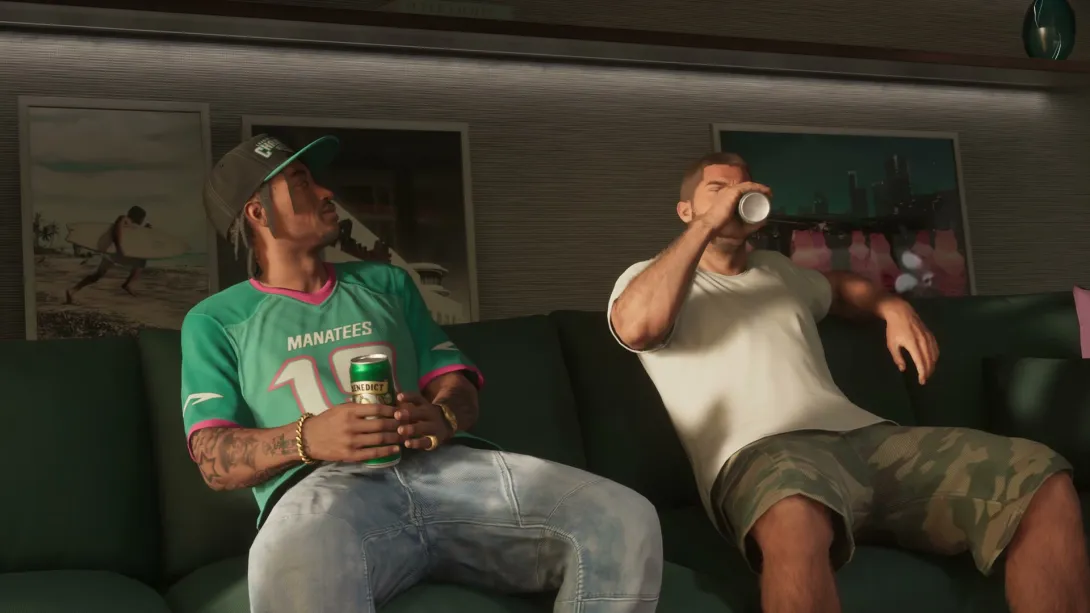
Rockstar hasn't announced its own cloud for story saves, so you rely on the platforms (KeenGamer, IBTimes):
- PS5. Uploading saves to the cloud requires any PlayStation Plus tier. On the console, check Settings → Saved Data and Game/App Settings → Saved Data (PS5): that's where you turn on auto-sync and can upload or download a copy manually.
- Xbox Series X|S. Saves sync to the cloud automatically, no subscription needed - the console just has to be online on the same Microsoft account. Let the sync finish before you power down.
Cloud backups have your back if your console dies or you upgrade to a new one in the same family. You can't move your story between PS5 and Xbox: Rockstar hasn't announced cross-save. Details are on our GTA 6 crossplay page.
The autosave bug and patch 01.002.002
After the November 19 launch, lots of players reported losing hours of progress: the console froze or shut off, and there was no recent save (Kotaku, Notebookcheck). On November 23, Rockstar released the first patch - 01.002.002 on PS5 and 1.0.2.2 on Xbox - and one of the seven fixes in the official notes is for autosave not working correctly. The studio didn't say what exactly was broken. The full changelog is on our GTA 6 updates page.
What that means for you:
- make sure you're on 01.002.002 (1.0.2.2 on Xbox) - the patch is required to launch the game;
- Rockstar hasn't offered a way to recover progress lost before the patch;
- even with the fix, manual saves are still more reliable: autosave still doesn't trigger mid-mission or after small errands.
Cheats disable saving
As soon as you enter any cheat - even a screen filter - the game disables saving, along with trophies on PS5 and achievements on Xbox. That lasts until you quit: fully close the game, relaunch it and load your save, and everything is back (KeenGamer, our GTA 6 cheats page). The cheat doesn't damage your save file, but nothing you do after entering a code gets saved.
Cheats only unlock after the story ends, so for most players this is a late-game concern. Make a manual save before you experiment, and keep at least one clean slot if you're still hunting GTA 6 trophies.
How do you save in GTA 6?
Press Options (PS5) or Menu (Xbox), open the Game tab, select Save Game and pick a slot. It works anywhere in free roam - you don't need a safehouse.
Does GTA 6 have autosave?
Yes, in one separate slot. The game saves after missions, some open-world events, and after you die or get arrested. It doesn't autosave mid-mission or after small errands, so save manually before you quit.
How many save slots does GTA 6 have?
15 manual slots and one autosave. The autosave doesn't use up a manual slot, but loading an older manual save overwrites it.
Why can't I save in GTA 6?
Saving is off during the prologue, in missions, with a wanted level, in combat and after you enter a cheat. Finish the mission, lose the cops, or relaunch the game after using cheats.
Can you save with your phone or in bed?
No. There's no phone quick save like in GTA 5, and the safehouse bed only skips time and restores health. You can only save from the pause menu.
Did Rockstar fix the GTA 6 autosave bug?
Yes, it's listed in the notes for patch 01.002.002 (1.0.2.2 on Xbox), released November 23, 2026. Progress lost before the patch doesn't come back.
Where this data comes from
Rockstar Games hasn't published a dedicated help article on saving, so we combined the official patch notes with guides from the first days after launch: Rockstar Support - Launch Updates, GTABase - how to save your game, KeenGamer - manual saves, autosave and safehouses, Kotaku - be careful with autosave, SVG - how to save the game. We also cross-checked PowerPyx, Dexerto, Beebom, IBTimes, GamerFuzion and Notebookcheck. Anything backed by only one source is flagged in the text.
Read next
All guides →

Popular on GTA Top
- You can play GTA 5 in a browser only through the cloud, with your own copy
- GTA San Andreas on mobile comes in two official versions: here is what they cost
- GTA 6 missables: what you can miss in each chapter and points of no return
- GTA 5 on mobile does not exist, and every APK is a fake
- The GTA 6 interactive map tracks 646 locations with search and progress
Sources
- Official: Rockstar Games, Rockstar Newswire, Rockstar Support, Take-Two Interactive
- Databases and guides: GTABase, GTA Wiki, GTA BOOM, PowerPyx
- Press: GamesRadar, PC Gamer, IGN, VGC, Game Informer
Every fact is checked against official sources or at least two independent ones; player-sourced data is labelled in the text. Images are official Rockstar Games material. GTA Top is not affiliated with Rockstar Games or Take-Two Interactive.