
Contents
- Cash, Checking and Family Savings: where your money lives in GTA 6
- How to open a BuckMe bank account
- Where ATMs are and what you can do at them
- What death and arrest take from you
- What you can pay with cash and what needs the bank
- Family Savings: tiers, limits and perks
- Do Jason and Lucia share money or keep it separate
- Marked bills and ATMs
- The $250,000 money cheat
- Where this information comes from
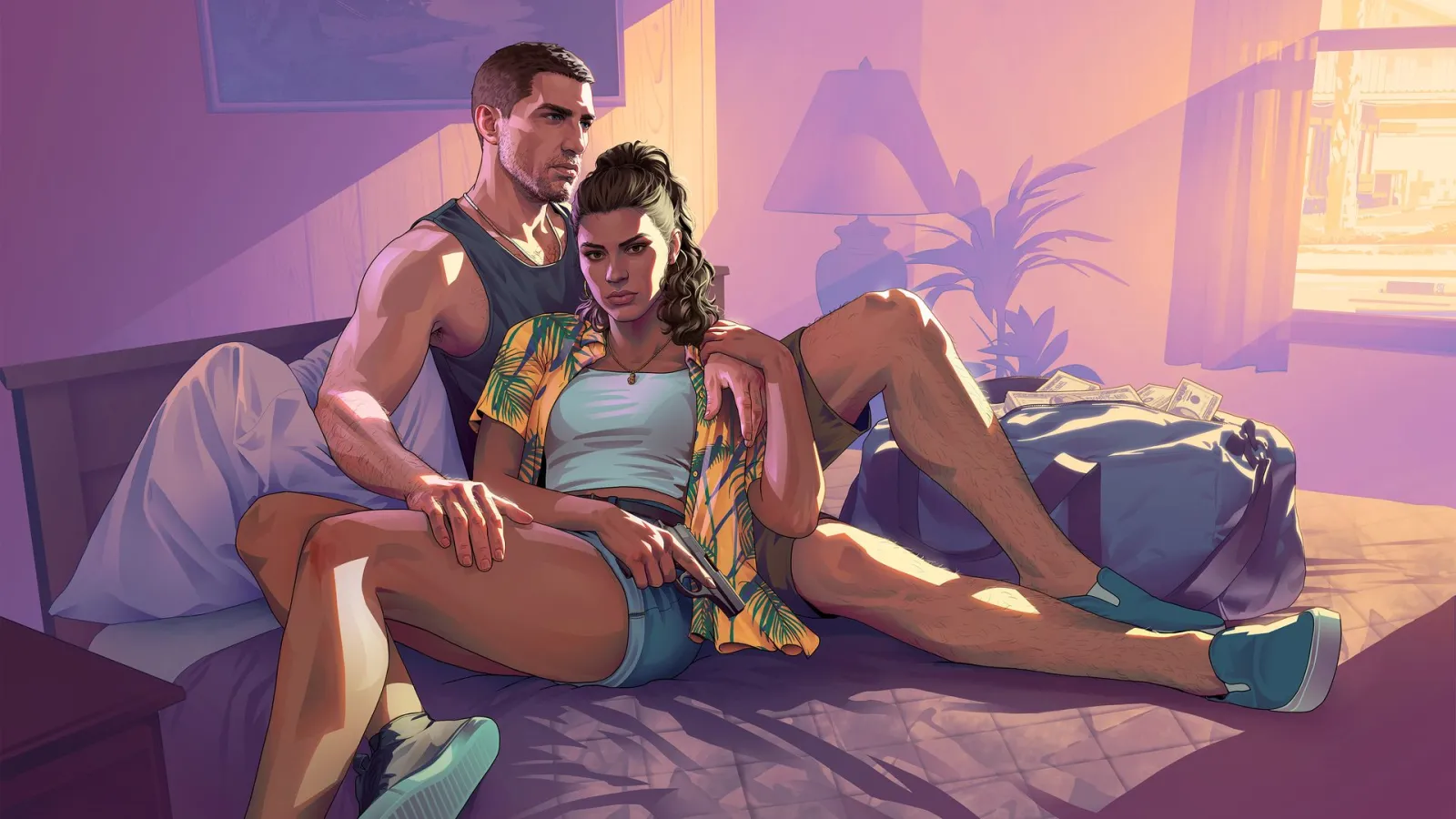
GTA 6 ATMs and the BuckMe bank account: cash vs bank balance, how to find an ATM, what you lose on death and arrest, what only the bank can pay for and how Family Savings works.
Cash, Checking and Family Savings: where your money lives in GTA 6
In GTA 5, a character's money was one number in the corner of the screen. GTA 6 splits it up, and that decides how much you lose after a job goes wrong. GTABase, PowerPyx and games.gg all describe the same setup: money on you, a regular account in the BuckMe banking app and a separate savings account called Family Savings.
| Where | How money gets there | After death or arrest | How to spend it |
|---|---|---|---|
| Cash (pocket cash) | Store registers, pedestrians' wallets, ATM withdrawals | All of it is lost | Purchases up to $999 |
| BuckMe Checking | ATM deposits, mission payouts, transfers from fences | Stays, but the game takes a small fee (see below) | Any purchase; required above $1,000 |
| Family Savings | Transfer from Checking in the app | Never lost | Not at all: you cannot withdraw it |
Loot bags - jewelry, drugs, marked bills - are not money yet. ATMs will not take them: first you sell the bag to a fence (GTABase, games.gg). Earning is covered in our guide how to make money in GTA 6; this page is only about where to keep money and how not to lose it.
One character can carry no more than $20,000 in cash (GTABase, games.gg). Every guide suggests keeping a few hundred on you for small stuff and banking the rest.
How to open a BuckMe bank account
Before the bank. At the start of Chapter 1, neither Jason nor Lucia has an account, so everything you earn rides in your pocket. The one safe spot is the stash under the floorboards in Jason's bedroom, in his house in Key Lento (GameRiv, GamesFuze, games.gg). Money there survives death, but you cannot spend it without going home.
The Buck Me mission. It is the 13th main mission in Chapter 1 (PowerPyx). Lucia calls Jason to the Fleeca bank in Key Lento because she needs an account for her payments. The bank turns them down over bad credit, and the manager points them to the BuckMe app. After the mission, your Checking account holds a $100 welcome bonus (PowerPyx, GameRiv, eGamers). You cannot open an account earlier just by finding an ATM (games.gg).
The Deposit Cash Into BuckMe mission. It comes right after, as mission 15 in Chapter 1, and it is required for 100% (PowerPyx, GTABase). It has no map marker: open your phone (D-pad up), go to BuckMe and pick ATM Finder - Set Destination. The nearest ATM is right by Jason's house. Deposit any amount and the mission is done.
The rest of the app is covered on our GTA 6 phone apps page.
Where ATMs are and what you can do at them
No guide has published a full list or count of ATMs in Leonida yet. The first one you need stands by Jason's house in Key Lento, and after that the easiest ways to find one are:
- ATM Finder in BuckMe. Sets a route to the nearest ATM (PowerPyx, GTABase, GamesFuze).
- The map. Banks and ATMs use an icon of a hand holding a card (single source - games.gg).
Walk up to the ATM and press Triangle (Y on Xbox) - the standard interact button. The menu has three options: Deposit puts cash in, Withdraw takes it out of Checking, Transactions shows your history (games.gg). Deposits are instant, so an ATM near the job is the best way to secure the take before the cops arrive.
The big difference from GTA Online: there you could bank cash from your phone, but the GTA 6 app cannot do that. Money moves between your pocket and the bank only at an ATM (GamesFuze, games.gg). On the phone you can check the balance and transactions, make payments and transfer from Checking to Family Savings.
What death and arrest take from you
Before launch, Rob Nelson of Rockstar North explained that if you get killed before depositing your money, it disappears (quoted by Beebom). After release, guides filled in the details:
| What | After Wasted or Busted | Sources |
|---|---|---|
| Cash on you | All of it is lost | GTABase, GamesFuze, games.gg, PowerPyx |
| BuckMe Checking | Stays, minus a small maintenance fee; nobody has named the exact amount | GTABase, GamesFuze; PowerPyx and eGamers say you lose "part of the balance" |
| Family Savings | Never lost | PowerPyx, GTABase, GamesFuze |
| Loot bags | Most likely lost | GTABase, games.gg |
| Floorboard stash | Never lost | GamesFuze, GameRiv |
Sources disagree here: games.gg says the bank balance is fully protected after death and arrest, while PowerPyx says part of it is taken, though less than you would lose carrying it as cash. The most widely cited version is GTABase's small fee. In practice, the takeaway is the same: never carry a big sum. What else an arrest costs you is on our GTA 6 wanted level page.
What you can pay with cash and what needs the bank
The rule is simple: vendors take cash only for purchases up to $999. Anything over $1,000 is charged to BuckMe (PowerPyx, eGamers, GamesFuze). With $0 in your pocket, everything comes out of the bank (PowerPyx, GTABase). You cannot buy these without an account:
- Nitro. The Performance > Boost upgrade at a mod shop costs $4,500-5,000 and is charged to BuckMe - details on our fastest cars in GTA 6 page. Everything else is in the car customization and repair guide.
- Some Ammu-Nation guns. A few weapons unlock only once you have an account, and cash will not buy them (games.gg) - which ones are listed on our best weapons in GTA 6 page.
- Garages and pricey car registration. These cost over $1,000, so they come out of the bank - prices on the what you can buy in GTA 6 page.
- Selling stolen cars. According to a single source (games.gg), you cannot sell a car without a bank account.
Cash is for small purchases up to $999, and GamesFuze also suggests keeping a little on you because not every small vendor takes BuckMe.
Family Savings: tiers, limits and perks
Family Savings is the second account in BuckMe. You move money there in the app (Checking Account > Buck Yourself), and it never comes back: you cannot withdraw it, but you cannot lose it either (PowerPyx, GTABase, games.gg). The optional mission Save for the Future explains the point: every savings goal raises your Checking limit and unlocks a discount.
| Tier | In Family Savings | Checking limit | Perk |
|---|---|---|---|
| Buckin' Broke | $5,000 | $15,000 | - |
| BuckeDry | $10,000 | $100,000 | 20% off RydeMe rides |
| BuckMe Gold | $100,000 | $500,000 | 20% off garages |
| BuckMe Premium (BuckMe Black) | $500,000 | $2,000,000 | 10% off liveries |
| Rich as Buck | $1,000,000 | $2,000,000 | - |
| Final tier | $2,000,000 | unknown | $200,000 in interest (single source - PowerPyx) |
PowerPyx and GTABase list the same numbers. The game hands you BuckMe Premium automatically at the start of Chapter 4, no matter how much you have saved. If Checking is full, new payouts are not lost: they wait until you spend something or move it to Family Savings (PowerPyx, games.gg).
Before the end of Chapter 1, GTABase recommends having at least $5,000 in Family Savings: cash you carry into the last missions of the chapter disappears. What else does not carry over to Chapter 2 is on our GTA 6 missables page.
Do Jason and Lucia share money or keep it separate
Even the guides do not have a clear answer yet. Here is what is known:
- Family Savings is shared. Both characters pay into it and work toward the same goals (games.gg).
- Each character has their own cash: GTABase gives the $20,000 limit "per character".
- Checking is disputed. In its money system breakdown, games.gg says the couple shares one account and earnings from either character go into the same pool; in its bank account guide the same site says each has their own Checking and only Family Savings is shared.
It is easy to test: withdraw money as one character and switch to the other (hold D-pad right and press R1/RB, from Chapter 2). Switching is explained in the guide how to switch characters, and the couple's relationship is covered on the Jason and Lucia together page.
Marked bills and ATMs
Money from banks, vaults and Payday Loan stores comes as marked bills. That is loot in a bag, not cash: you cannot put it in an ATM. You sell the bills to a fence, and fences only take them once you have the Dye Pack Jammer, which the story mission Credit Check gives you in Chapter 3 (KeenGamer, games.gg). Which fence pays the most for bills is laid out on our GTA 6 fences page.
Once BuckMe is open, fences transfer the money straight into your account, so it never sits in your pocket. ATMs themselves can be robbed too - that is a job from the fence Yasmani, and it also pays in marked bills. Banks and vaults are covered in the GTA 6 heists guide.
The $250,000 money cheat
GTA 6 does have a money cheat, but not for the start: the cheat list unlocks only after you finish the story (GTABase). The "$250,000" cheat gives you $250,000 instantly, but while it is active, trophies and saving are disabled until you quit, so any progress after it is lost. The input and the rest of the codes are on our GTA 6 cheats page.
How do you put money in the bank in GTA 6?
Finish the Chapter 1 mission Buck Me, then walk up to any ATM, press Triangle (Y on Xbox) and choose Deposit. ATM Finder in the BuckMe app shows the nearest machine.
Can you deposit money through the phone?
No. BuckMe shows your balance and lets you move money from Checking to Family Savings, but pocket cash can only be deposited at an ATM.
How much cash can you carry in GTA 6?
Up to $20,000 per character (GTABase, games.gg). Keep larger sums in the bank.
What happens to your money when you die or get arrested?
All the cash on you is lost. Money in BuckMe Checking stays, but the game takes a small fee; Family Savings is never lost.
Why can't I pay with cash?
Vendors only take cash for purchases up to $999. Anything pricier, including nitro at a mod shop, is charged to your BuckMe account only.
Can you withdraw money from Family Savings?
No, the transfer is permanent. On the plus side, that money is never lost and it raises your regular account limit.
Where this information comes from
Rockstar Games has not published a dedicated help page on banking in GTA 6. We compiled this from guides published in the first days after release: PowerPyx: Buck Me, PowerPyx: Save for the Future, GTABase: money in GTA 6, games.gg: bank account and GamesFuze: losing money on death, plus eGamers, GameRiv and KeenGamer. Anything backed by only one source is marked in the text.
Read next
All guides →


Popular on GTA Top
- You can play GTA 5 in a browser only through the cloud, with your own copy
- GTA San Andreas on mobile comes in two official versions: here is what they cost
- GTA 6 missables: what you can miss in each chapter and points of no return
- GTA 5 on mobile does not exist, and every APK is a fake
- The GTA 6 interactive map tracks 646 locations with search and progress
Sources
- Official: Rockstar Games, Rockstar Newswire, Rockstar Support, Take-Two Interactive
- Databases and guides: GTABase, GTA Wiki, GTA BOOM, PowerPyx
- Press: GamesRadar, PC Gamer, IGN, VGC, Game Informer
Every fact is checked against official sources or at least two independent ones; player-sourced data is labelled in the text. Images are official Rockstar Games material. GTA Top is not affiliated with Rockstar Games or Take-Two Interactive.